
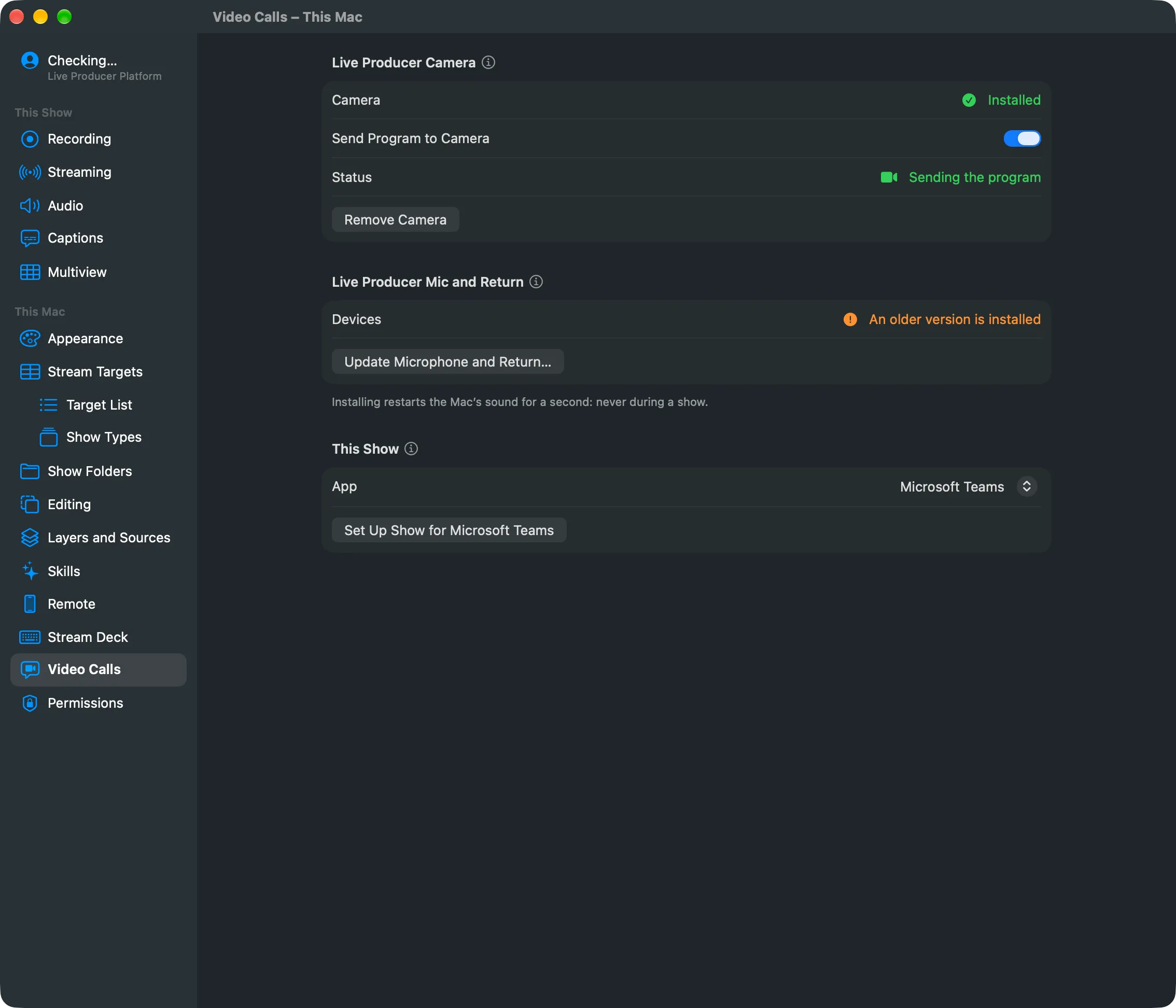
Live Producer Camera is a camera on your Mac named “Live Producer”. Teams, Zoom, Meet, Webex and any other app that takes a webcam can pick it. It shows the program, at 1920 × 1080.
Why a camera
Section titled “Why a camera”A call app gets the program as a perfect copy, straight from the Studio, with no delay of its own. There is no HDMI output, capture card or second computer, and no screen share, which call apps throttle.
Installed once per Mac
Section titled “Installed once per Mac”The camera is a system extension that comes with Live Producer. You install it once, from Settings › This Mac › Video Calls. Installing needs Live Producer in the Applications folder, and your approval once in System Settings › General › Login Items & Extensions. The page shows its status: Not installed, Waiting for your approval in System Settings, or Installed.
Sending is a live action
Section titled “Sending is a live action”Send Program to Camera turns the picture on or off. It is on the Video Calls page and in the Switcher menu. It is remembered on this Mac, not saved with the show, and never undone. While nothing is sent, the camera shows a slate that says so. The page’s Status reads Not sending, Waiting for the camera or Sending the program.
What the call app does with it
Section titled “What the call app does with it”Every call app compresses the camera itself, so the call gets less than the program:
| App | Best picture |
|---|---|
| Microsoft Teams | 1080p at best when spotlighted, often 720p |
| Zoom | 1080p, only with HD on and when the account allows it |
| Google Meet | 720p in most accounts |
| Webex | Compressed by Webex |
Turn off the app’s own touch-ups and background effects: they would change the program. The steps per app are in Set up a call show.
The camera carries no sound
Section titled “The camera carries no sound”The sound goes through Live Producer Mic and Return.
Read more
Section titled “Read more”Describes Live Producer 0.305 · 29 October 2026