
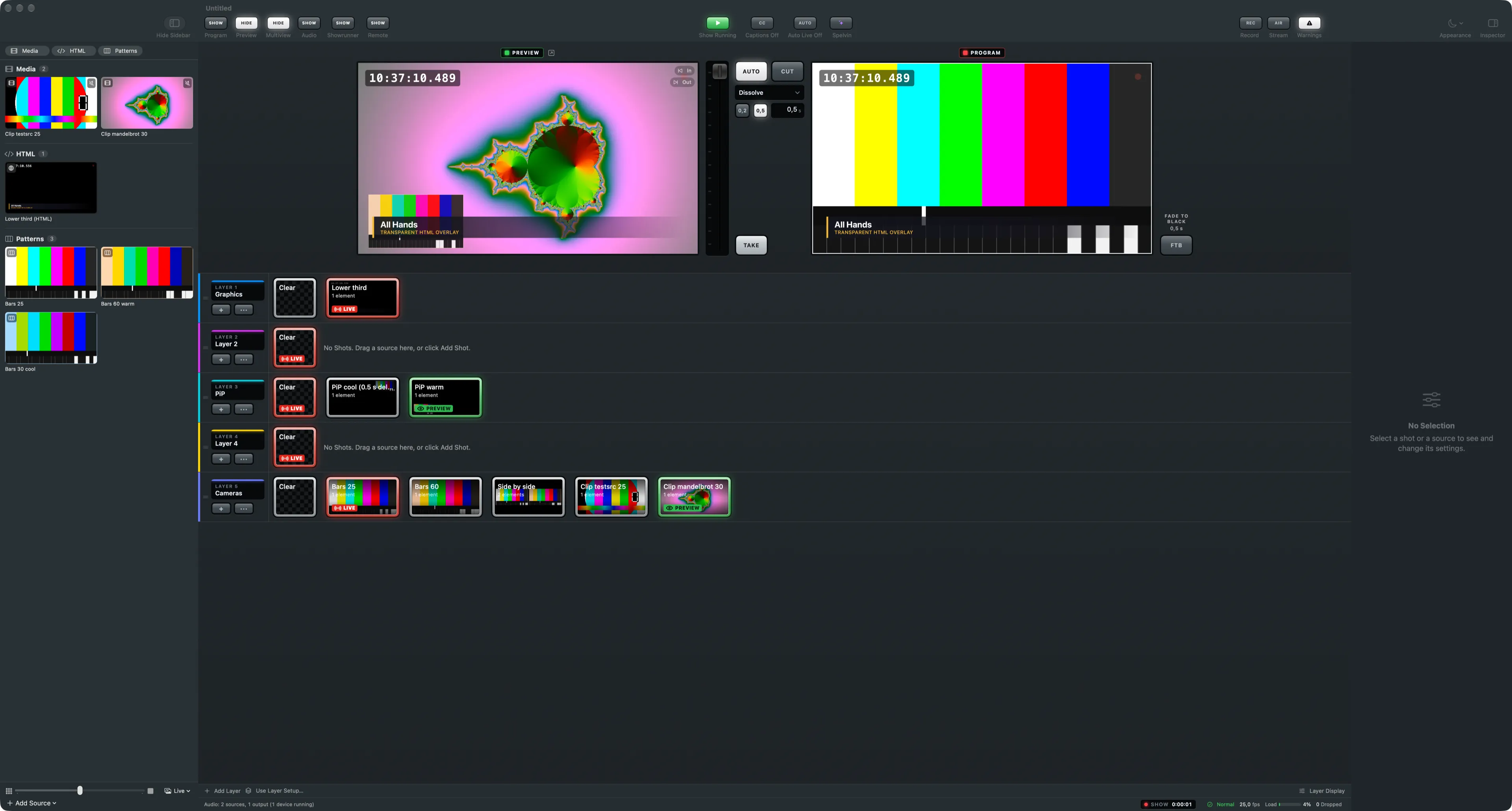
The sources sidebar is the left column of the main window. It lists every source of the show as a tile, grouped by type, always in the same order.
The type buttons
Section titled “The type buttons”The buttons at the top show or hide a group. Rest the pointer on a button to see what the group holds and how many sources it has. A source you just added is always shown, even when its group is hidden.

Cameras connected to this Mac, and NDI and DeckLink inputs. See Cameras, NDI and DeckLink.
Windows
Section titled “Windows”Windows of other apps, captured with their sound. See Windows and screens.
Video clips from files. See Media clips.
Images
Section titled “Images”Still pictures and slide decks. See Images and decks.
HTML pages from files on this Mac, such as lower thirds and other templates. See HTML templates.
Live web pages from the internet. See Web pages.
Microphones, audio interfaces and test tones. They have no picture; they are heard. See Buses and Device channels.
Patterns
Section titled “Patterns”Colour bars with a moving marker, for testing.
The bottom bar
Section titled “The bottom bar”Add Source adds a source of any type; the same menu is Switcher › Add Source. The slider sets the tile size, from three tiles per row to one large tile per row. The menu beside it sets what the tiles show: the type’s colour and name, a still, one frame a second, or every frame.

Drag a tile onto a layer to make a shot from it, or use New Shot in Layer in the tile’s context menu. Delete a source with ⌘⌫ or Delete Source in the context menu.
See also
Section titled “See also”Describes Live Producer 0.305 · 29 October 2026