
A lower third page made by Spelvin from your words, previewed as the switcher plays it, saved into the show.
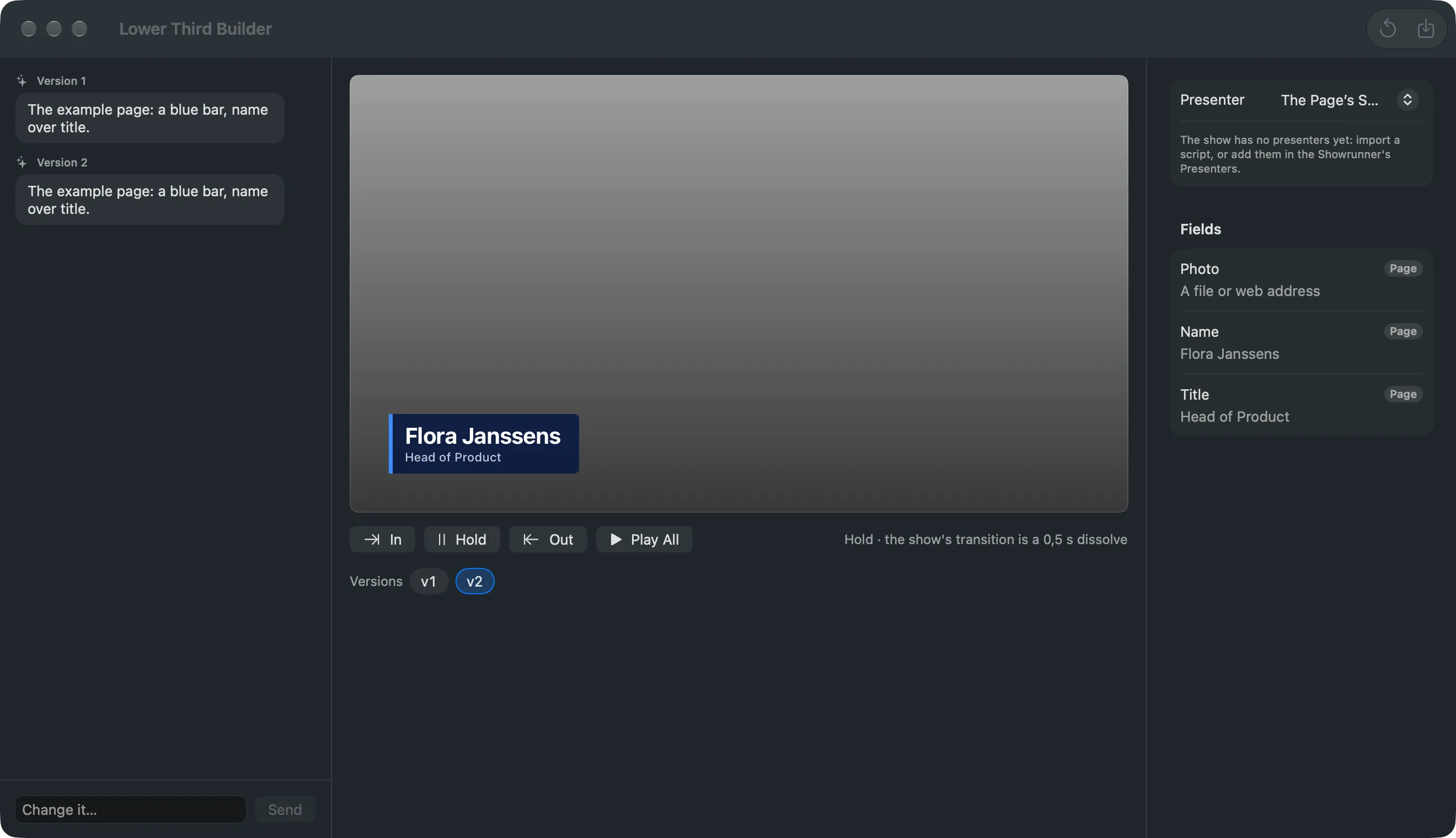
The Lower Third Builder is a window where you tell Spelvin what a lower third should look like and watch it appear, with your presenters in it. Each answer is a version of an HTML lower third page. Nothing reaches the show until you save, and nothing reaches the program until a Take.
Where you find it
Section titled “Where you find it”In the Studio: Spelvin › New Lower Third…. Spelvin can also open it from the chat when you ask for a lower third. On the web: a show’s Resources tab, New Lower Third. Both need a Live Producer account.
The three columns
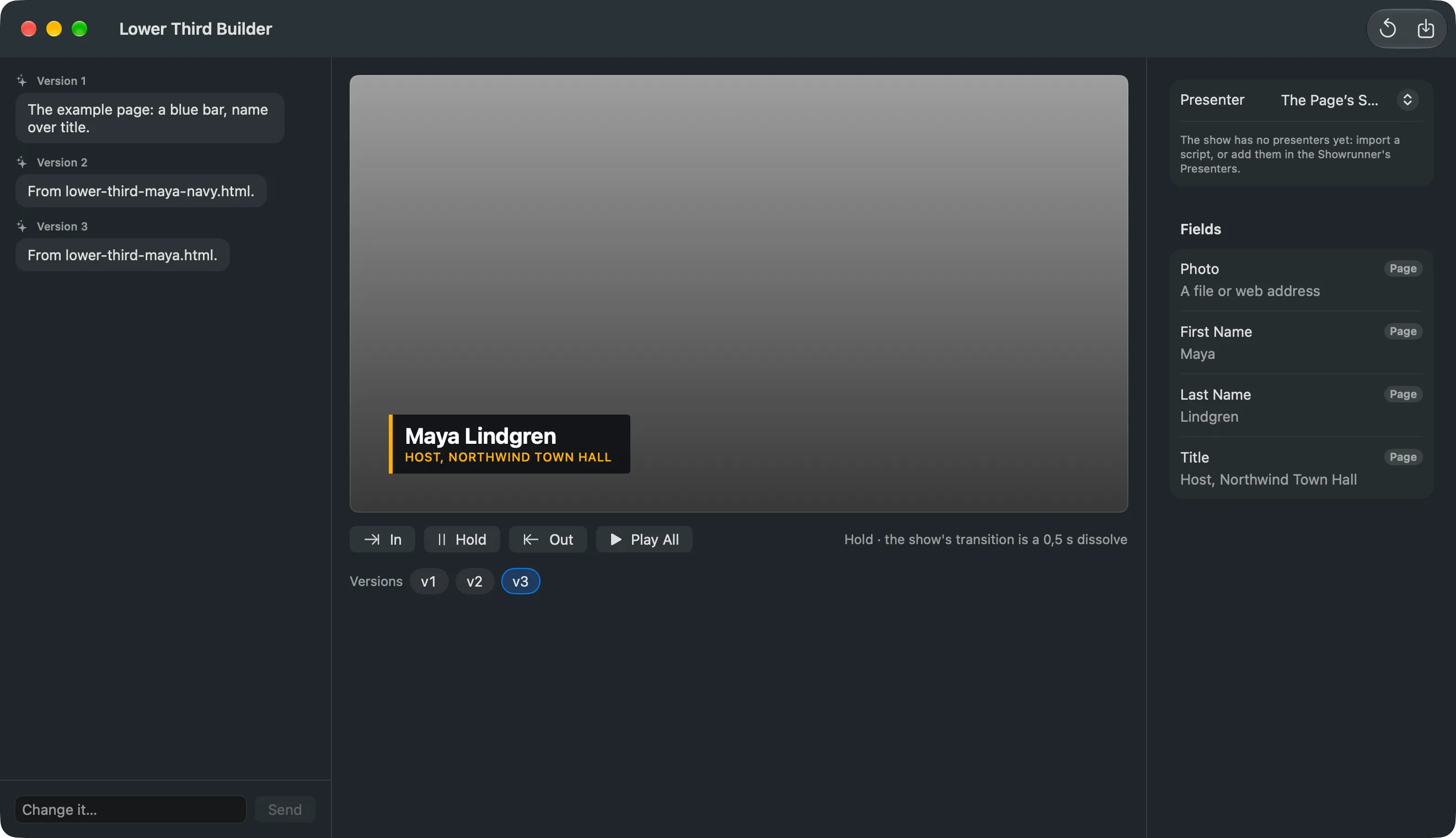
Section titled “The three columns”- The conversation: your prompts and Spelvin’s answers. Each answer is labelled with its version. When Spelvin cannot build without knowing more, it asks one question.
- The preview: the page played as the switcher plays it. In plays the entrance with the show’s transition, Hold shows it complete and still, Out takes it off as Clear does, and Play All runs in, a 5-second hold and out. Under it, the Versions strip.
- Fields: Presenter chooses whose values fill the preview, from the show’s presenters, or The Page’s Samples. You can type a value for the preview only.
Versions
Section titled “Versions”Every prompt changes the version you see and makes a new one beside the others. Click an older version to go back to it; your next prompt branches from there. A version you saved has a check mark. Start Over forgets the versions and the conversation.
What Spelvin knows
Section titled “What Spelvin knows”Spelvin sees your prompt, the version you are changing and the prompts that led to it. It also sees what the show offers: the colours and fonts of its current lower-third page, its picture and font files by name, and the fields its presenters have. It never sees the files themselves.
The page it makes
Section titled “The page it makes”The page follows the template convention of the switcher: fields such as Name, Title and Photo that the show fills in, an entrance, and no exit, since leaving is the show’s transition. The page needs no network. If a page takes longer than 100 ms to show a new value, the builder says so: it is slow on the program too. See HTML templates.
Saving
Section titled “Saving”Save… writes the version as one file into the show’s folder and adds it as a source, as one undoable edit. With Use as the Show’s Lower-Third Page, every presenter’s lower third moves to the new page, their values kept. A new field gets a column in the Presenters table. What is live keeps the old page until the next Take. A show linked to a web show also gets the file there.
Each prompt counts one action. See Actions and limits.
Read more
Section titled “Read more”Describes Live Producer 0.305 · 29 October 2026