
A matte wipe or a stinger made by Spelvin from your words; the Mac renders and checks every frame.
The transition builder makes a transition page with Spelvin: a matte wipe or a stinger. It is the Lower Third Builder’s window with a different kind of page. The Studio renders every version ahead, as the show would, and checks it before you keep it.
Two kinds
Section titled “Two kinds”| Kind | Is |
|---|---|
| Matte wipe | A shape that reveals the next picture. The page is a mask the audience never sees: black shows the new picture, transparent or white keeps the old one. It starts fully transparent and ends fully black. |
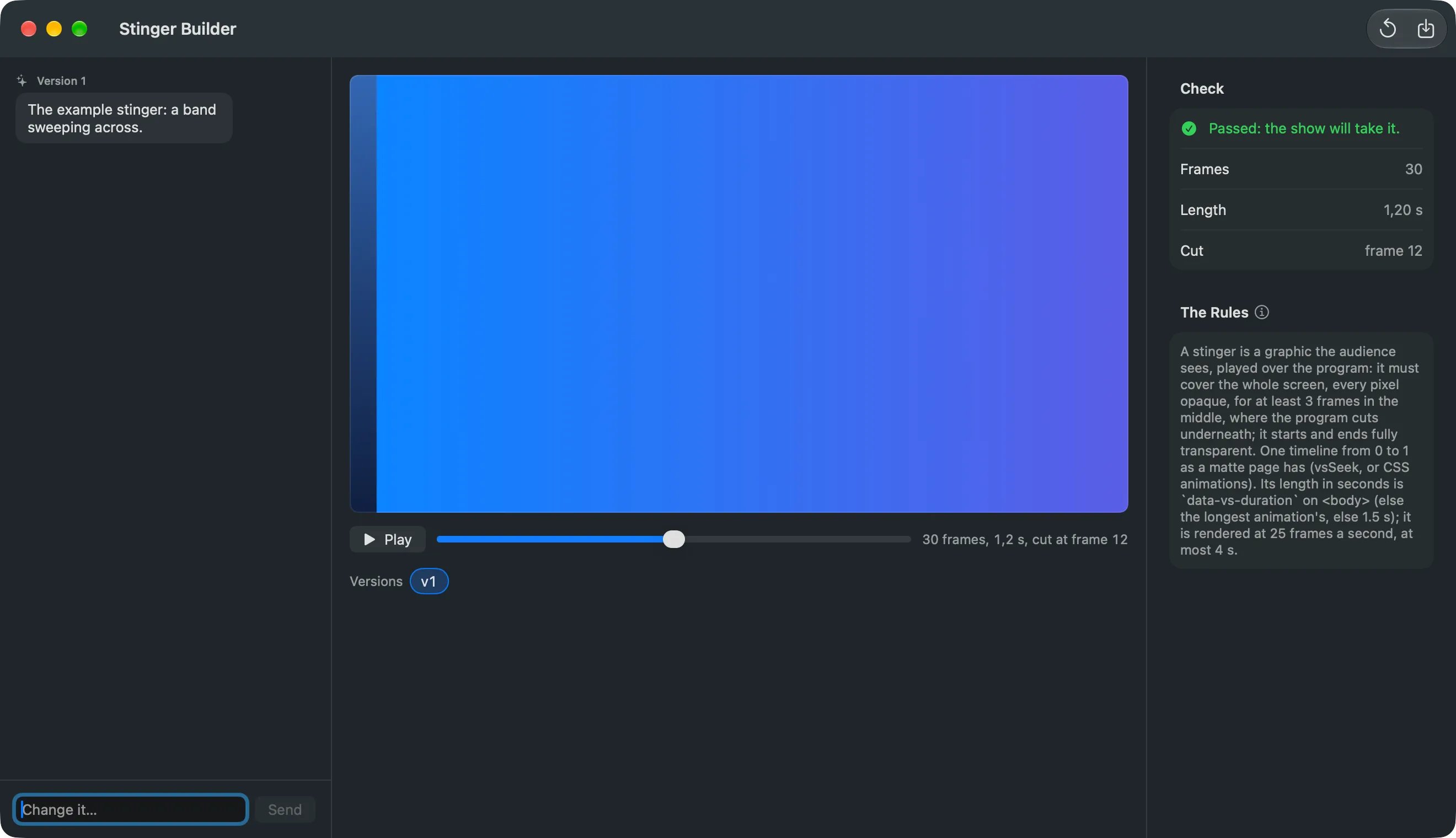
| Stinger | A graphic the audience sees, played over the program. It covers the whole screen for at least 3 frames in the middle, where the program cuts underneath, and starts and ends fully transparent. At most 4 seconds. |
Both pages have one timeline the Studio steps through, and nothing random: every run looks the same. See Transitions.
Where you find it
Section titled “Where you find it”In the Studio: Spelvin › New Matte Wipe… opens the Matte Wipe Builder, and Spelvin › New Stinger… the Stinger Builder. On the web: a show’s Resources tab, New Matte Wipe and New Stinger.
The preview
Section titled “The preview”The preview plays the transition between two test pictures, OLD PICTURE and NEW PICTURE. Play runs it once; the slider steps through it. The versions and Start Over work as in the Lower Third Builder.
The check
Section titled “The check”In the Studio, every version is rendered and checked as the show would take it: a matte’s first and last frame, a stinger’s covered frames and its cut point. The Check panel says Passed: the show will take it., or why not, with the frames, and for a stinger its length and cut frame. The rules under it say what the page must do.
A failed check goes back to Spelvin once by itself, as the next prompt, and the window shows the fixed version. A version that still fails can be saved, and the show will warn.
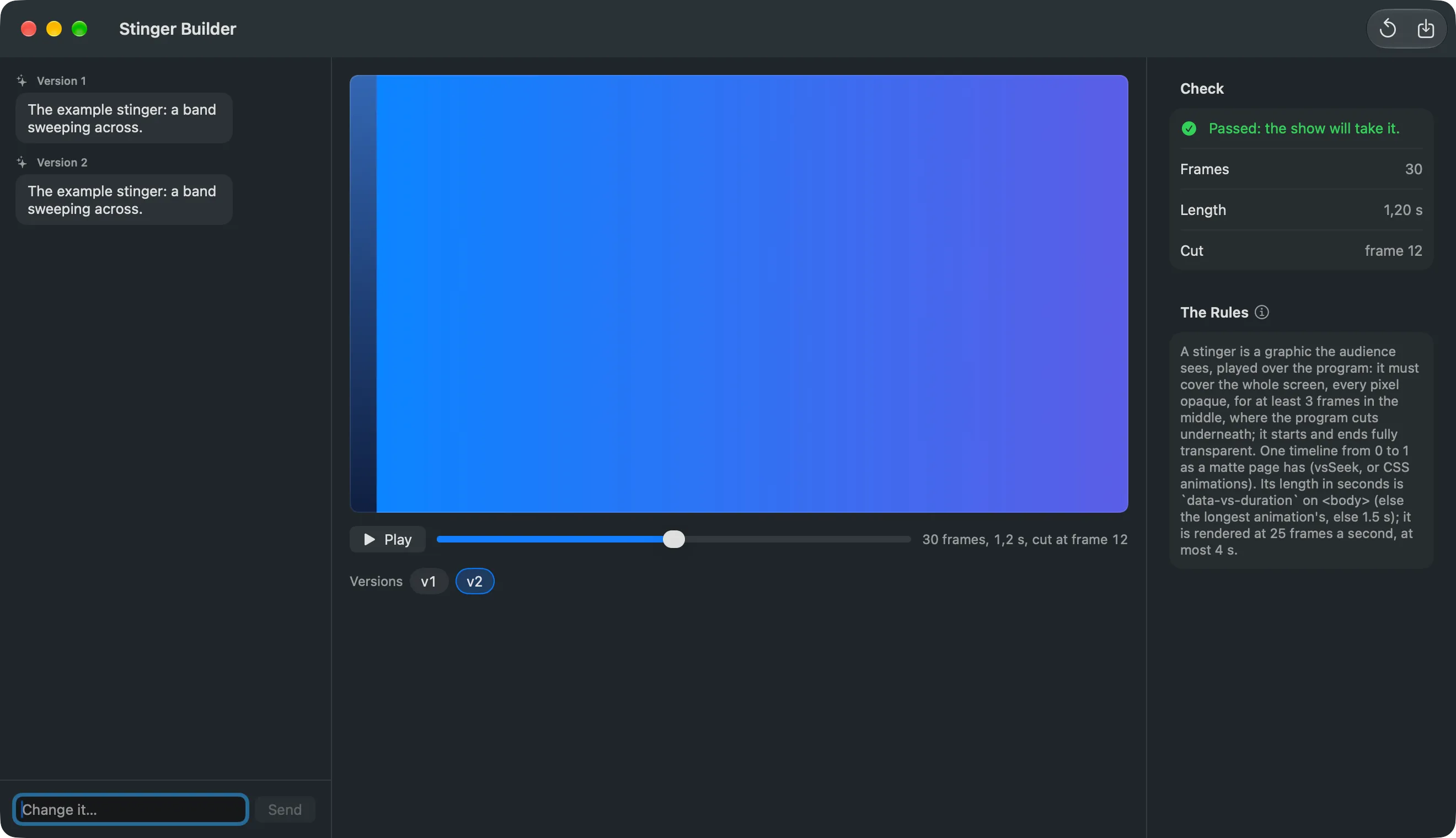
On the web, the check is what a browser can see: that the page has a timeline, its length, and that it needs nothing from the web. The Mac checks the frames when it takes the file.
Saving
Section titled “Saving”In the Studio, Save… writes the page into the show folder’s Transitions. With Use for the Show’s Takes on, it becomes the show’s matte or stinger, rendered ahead. On the web, Save puts the page in the show’s resources; the Mac takes it into Transitions when it downloads the show’s files, renders it ahead and checks it.
Each prompt counts one action. See Actions and limits.
Read more
Section titled “Read more”Describes Live Producer 0.305 · 29 October 2026