
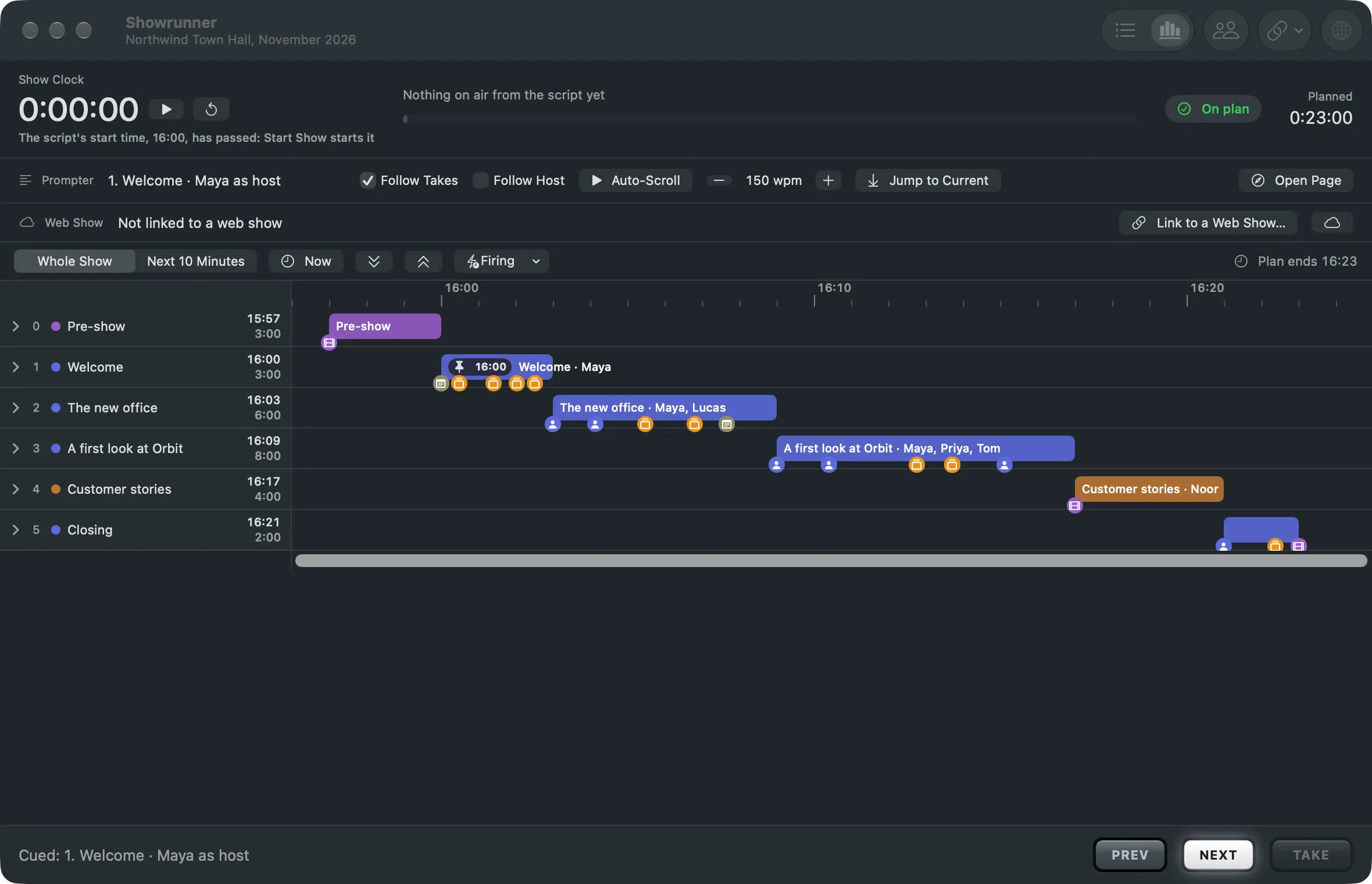
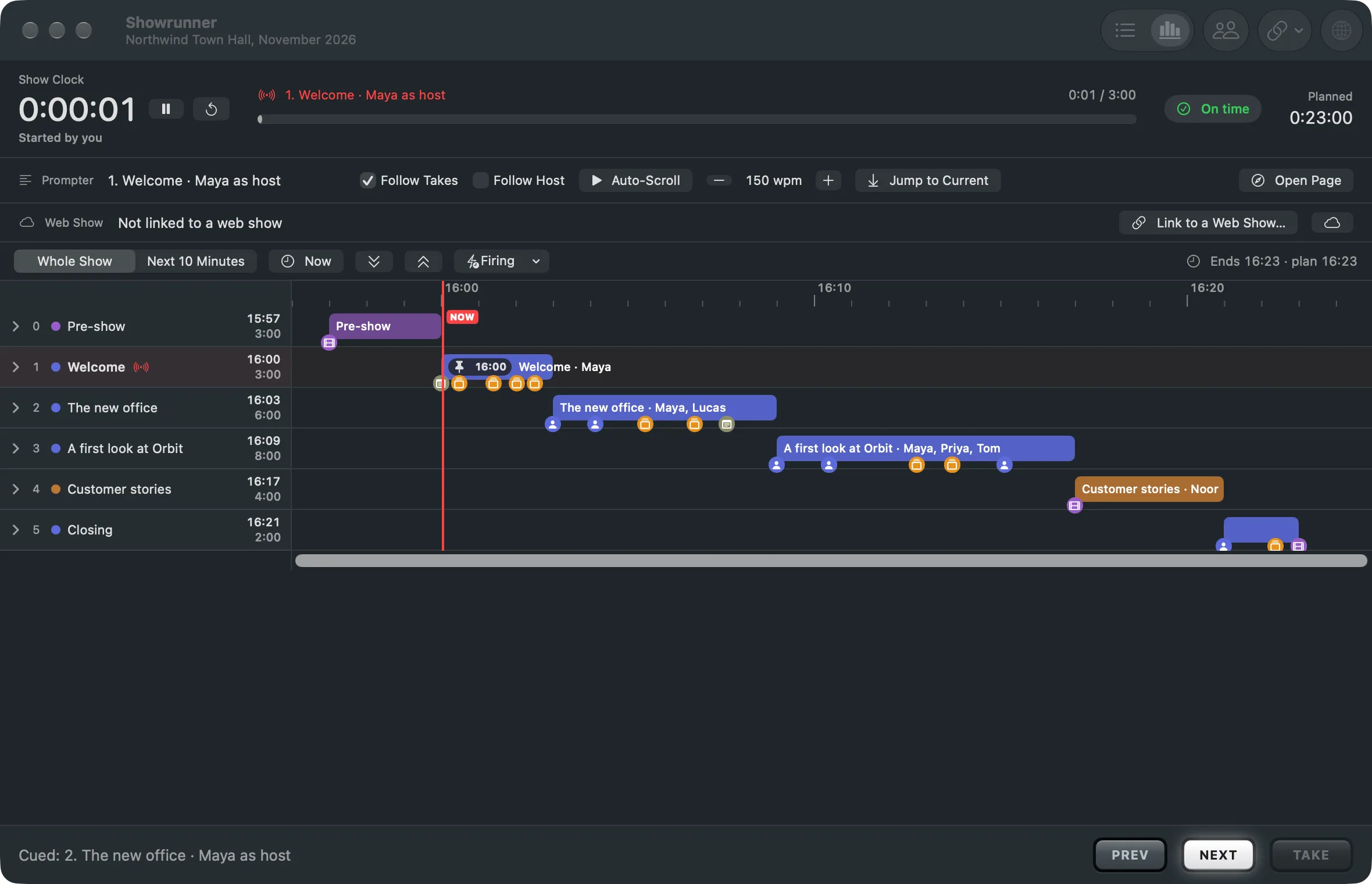
A slide deck in the show turns its pages as the prompter passes the script's slide marks.
A deck is a slide deck that is part of the show. The script says where each slide comes, and the deck turns its pages as the show reaches those places. The operator does not click through it.
The deck source
Section titled “The deck source”Add one with Switcher › Add Source › Slide Deck…: a PDF, or a folder of images, one per page. The source shows the page the show is at. Changing a page is content, not a switch: it needs no Take.
A deck captured from another app, such as a window of Keynote or PowerPoint, works too. The Showrunner then only says which slide is due.
Slide marks
Section titled “Slide marks”In the script, New slide ---- moves the deck to its next slide and Click ---- is one more
click on the same slide, a build. A label after the dashes names the slide: New slide ---- Agenda. Each part shows its marks as small squares in the list: the slide’s number, or + for a
build. Passed marks are dimmed; the one due is filled.
How the deck moves
Section titled “How the deck moves”The deck follows the prompter. When the prompter passes a mark, the deck turns, and the Showrunner shows a Due flag with the slide. With Follow Host on, that happens at the word the host says.
Builds
Section titled “Builds”When the PDF was exported with its builds as pages, one page per Click ----, turn on Pages
Include Builds in the deck’s inspector. With it off, a build has no page of its own and the
deck skips it.
Correcting the deck
Section titled “Correcting the deck”A presenter may click ahead or back. Deck One Click On (⌃⌘]) and Deck One Click Back (⌃⌘[) in the Showrunner menu correct the deck by one click, as do the arrows beside Deck in the Showrunner window and on the phone remote. A correction is a decision at the desk; it is not saved with the show.
Read more
Section titled “Read more”Describes Live Producer 0.305 · 29 October 2026