
The platform on the web, Studio on the Mac, the camera and mic for calls, the remote, the prompter, Stream Deck, and Spelvin across all of them.
Live Producer is one product in several parts, released together under one version. Each part has its own section in these pages. People use the parts by role: an admin runs the company’s account, a showrunner prepares the show, contributors fill in their own parts, the operator runs the Studio, the presenter reads from the prompter, and the crew uses the remote and the multiview.
How a show flows
Section titled “How a show flows”- A showrunner starts a show on the platform and writes or uploads its script.
- Spelvin reads it into sections, parts and cues; contributors fill in their own parts and files.
- The showrunner publishes a version.
- The Studio, linked to the show, receives the version and binds it to shots, layers and files.
- The operator runs the show; the presenter reads from the prompter, the crew uses the remote.
- The program goes out: a stream, a recording, a video call.
- The Studio reports where the show is; the web shows On Air and Next.
Live Producer Platform
Section titled “Live Producer Platform”The web app at platform.liveproducer.ai, the home of a show. A show starts there: its script, sections, parts and cues, its files, its people and their roles, and its published versions. Used by admins, showrunners and contributors. See Platform.
Live Producer Studio
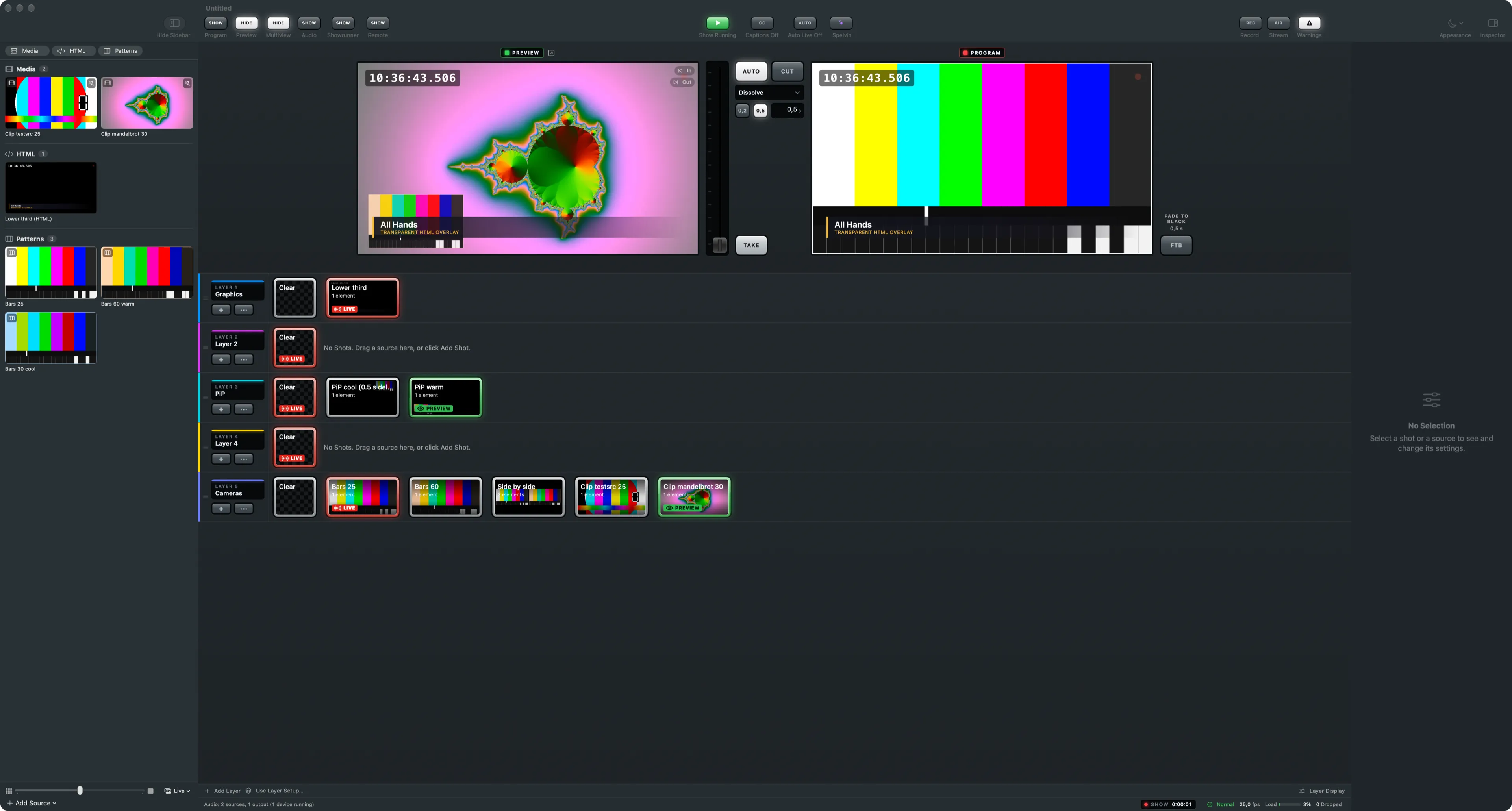
Section titled “Live Producer Studio”The Mac app that runs the show: sources, shots, layers, preview and program, transitions, recording, streaming, audio, captions and the multiview. Linked to a web show it follows its versions; without an account it is a switcher on its own. Used by the operator. See Studio.
Showrunner and the prompter
Section titled “Showrunner and the prompter”The Showrunner window in the Studio runs the show from its script, part by part, with the show clock and the slides. The prompter is a page the Studio serves to an iPad, a phone or a prompter screen; it can follow the host by listening. See Showrunner.
Live Producer Camera, Mic and Return
Section titled “Live Producer Camera, Mic and Return”Devices the Studio installs on the Mac so Teams, Zoom and other call apps see the program as a camera and hear the show’s sound as a microphone, and the call’s sound comes back. See Video calls.
The phone remote
Section titled “The phone remote”A page the Studio serves to a phone on the same network: switch shots, take, record and run the show away from the Mac. The Studio also takes commands from other programs. See Remote.
Stream Deck
Section titled “Stream Deck”The Studio drives an Elgato Stream Deck over USB itself: its keys follow the show’s layers, with pages for the showrunner and the outputs. See Stream Deck.
Spelvin
Section titled “Spelvin”The assistant across the platform and the Studio: it reads scripts, builds lower thirds, mattes and stingers, suggests layer setups, crops pictures and answers questions about the open show. Live captions on the program run on the Mac and count no actions. See Spelvin.
See also
Section titled “See also”Describes Live Producer 0.305 · 29 October 2026