
What a show still needs and what went wrong, in one list: stand-ins to link, files not found, setup to finish and errors, each with its fix.
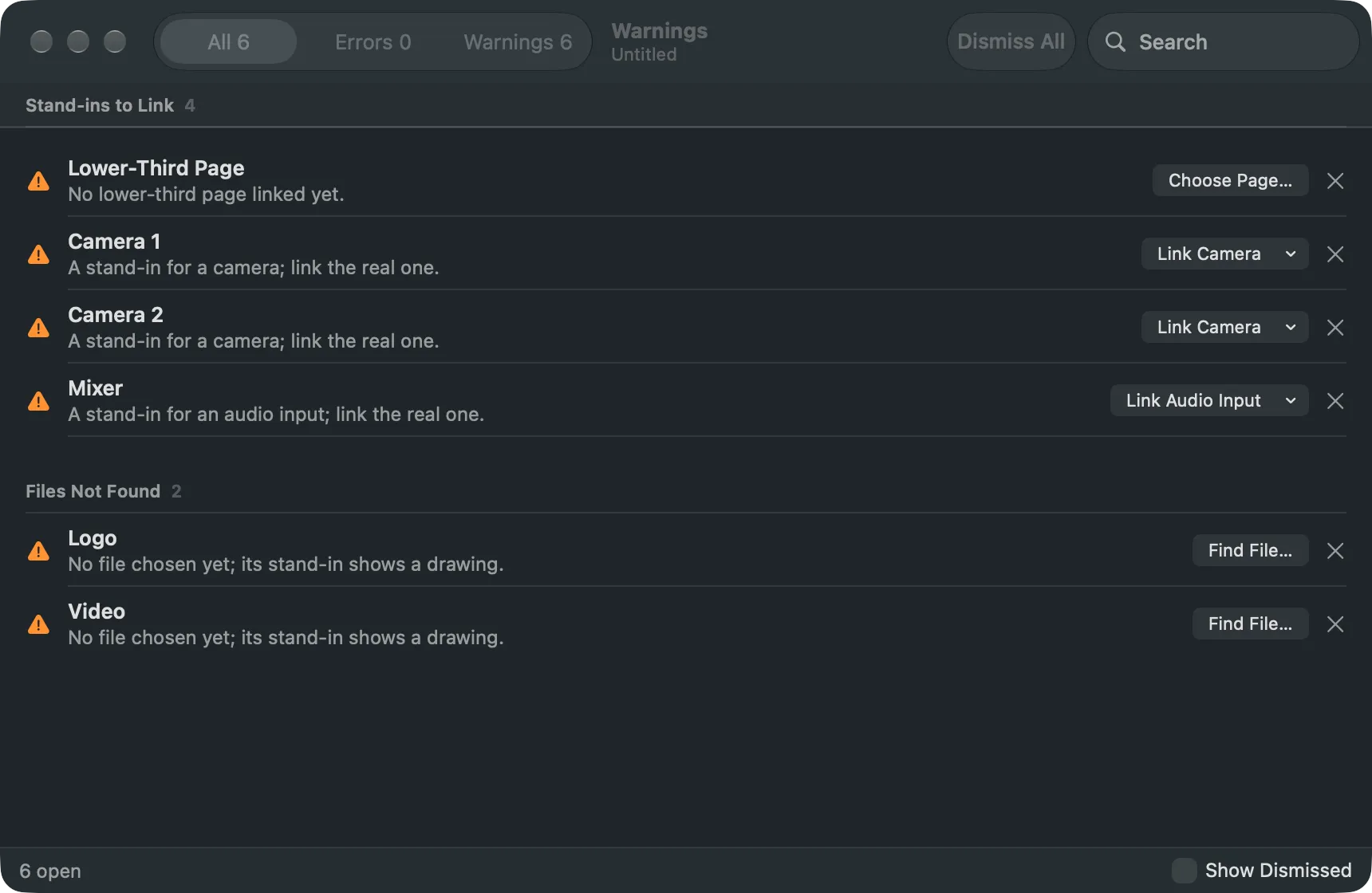
A warning is something the show needs from you: a stand-in to link, a file that is not where the show points, a setup to finish. An error is something the Studio ran into. Both go into one list, the Warnings window, instead of covering the screen during a show.
The Warnings key
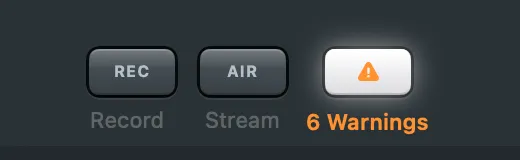
Section titled “The Warnings key”The Warnings key is the last item of the toolbar’s output group, right of Record and Stream. It is always there, so Record and Stream never move. With nothing to report it is grey and says Warnings. With warnings it turns orange with the count (“15 Warnings”); with an error it turns red (“1 Error”), and a ring pulses round it once when a new error arrives. Press it, or choose Window › Warnings (⌥⌘’), to open the window.
The sections
Section titled “The sections”| Section | What it lists | Fix |
|---|---|---|
| Errors | errors the Studio ran into, newest first, with where they came from and when | none: read, copy, dismiss |
| Stand-ins to Link | each stand-in that is not linked yet, saying the role it plays (the host camera, the presenters’ window) | Link Camera, Link Window…, Link Page…, Choose Page… or Link Audio Input |
| Files Not Found | a clip, image or deck whose file is not where the show points, or a stand-in still waiting for its file | Find File… |
| Setup | what the script import could not finish, or Main Layer Gone when the layer the showrunner builds on was removed | as the row says |
A row’s fix is the same link flow the inspector has. Link Camera and Link Audio Input are menus of the cameras and audio inputs connected now. Selecting a row selects its source in the main window, so the inspector shows it.
Warnings leave by themselves
Section titled “Warnings leave by themselves”Most warnings are read from the show itself, not reported once. Link the host camera and its row is gone; put the missing file back and its row goes too. A reopened show has its warnings again without anything to import. The Studio reads them when the show’s sources or layers change, and never on a Take.
Errors and import steps are events: they stay until you dismiss them.
Dismissing
Section titled “Dismissing”Dismiss a row with its ✕, the Delete key or its right-click menu; Dismiss All dismisses what the filter shows. A dismissed warning stays dismissed until its cause changes, for example another missing file. Dismissing is part of the show, so it is saved and can be undone. Turn on Show Dismissed to see them again and Restore one.
Read more
Section titled “Read more”Describes Live Producer 0.305 · 29 October 2026