
What macOS asks Live Producer Studio for — camera, microphone, local network, speech recognition, screen recording and more — what each unlocks, and where to allow it.
macOS asks before an app may use the camera, the microphone or the screen. Live Producer Studio asks for each the first time it needs it, not at launch. If you said no, allow it later in System Settings › Privacy & Security, under the permission’s name, then quit and reopen Live Producer.
The permissions
Section titled “The permissions”| Permission | Unlocks | Asked when |
|---|---|---|
| Camera | camera sources in the switcher | a camera source starts |
| Microphone | audio inputs as sources | an audio input starts |
| Local Network | the phone remote and the prompter on other devices; NDI sources | the remote or an NDI source is first used |
| Speech Recognition | live captions of the program sound, made on this Mac | captions are turned on |
| Screen Recording | windows of other apps as sources; web pages at full frame rate with transparency | a window or page is captured, or Request Access… |
| Accessibility | Resize Window on a captured window, which changes another app’s window size | you first press Resize Window › Width or Height |
| Input Monitoring | a Stream Deck driven by the Studio | a Stream Deck is connected, if macOS asks |
Screen Recording
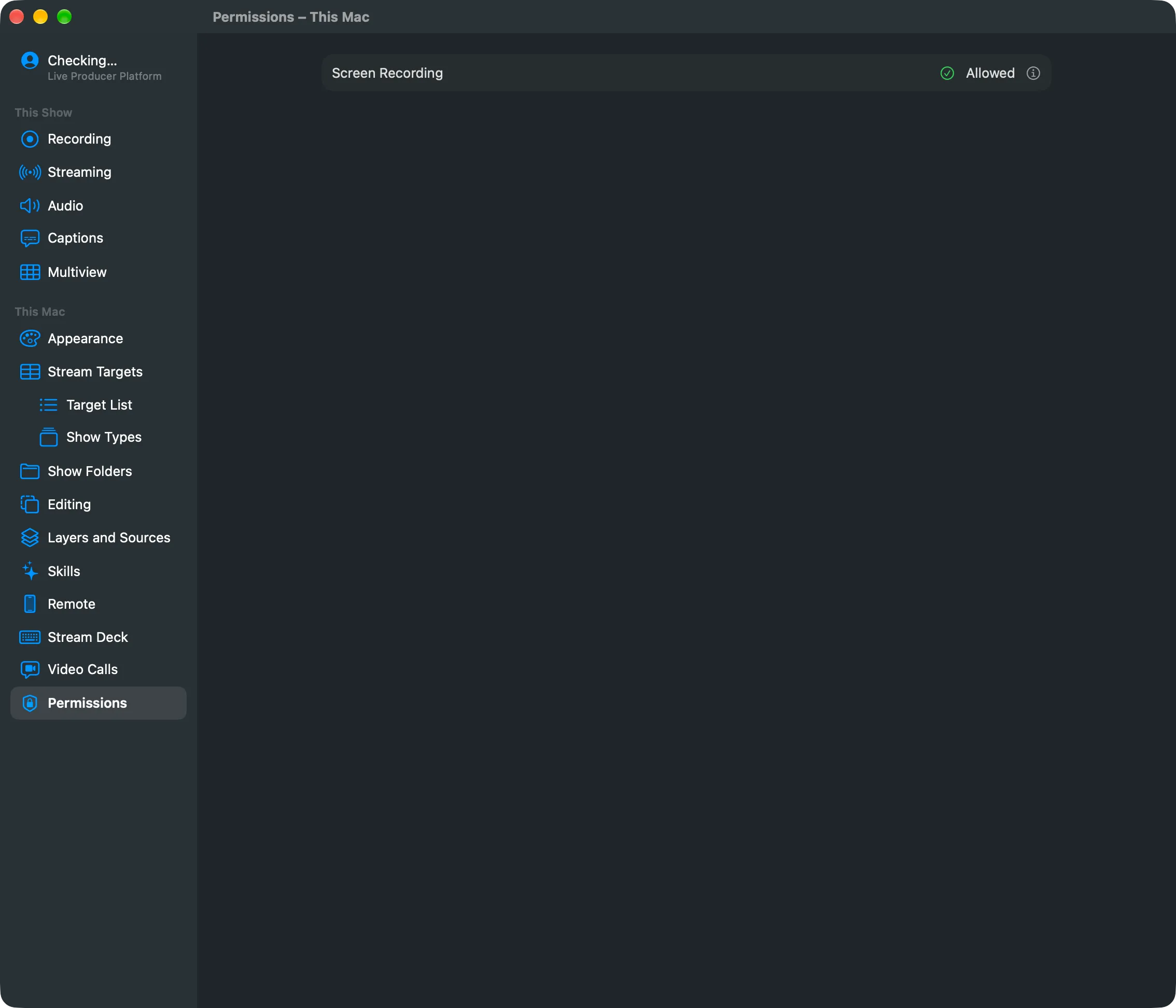
Section titled “Screen Recording”Settings › This Mac › Permissions shows whether Screen Recording is Allowed. When it is Not Allowed, web page sources update about 12 times a second and windows of other apps cannot be captured. Click Request Access…, allow Live Producer in System Settings, then quit and reopen Live Producer.
Live Producer Camera, Mic and Return
Section titled “Live Producer Camera, Mic and Return”These are installed rather than allowed, from Settings › This Mac › Video Calls:
- Live Producer Camera needs Live Producer in the Applications folder and your approval once in System Settings › General › Login Items & Extensions.
- Live Producer Mic and Live Producer Return ask for your administrator password. Installing restarts the Mac’s sound for a second, so never install during a show; check the call app’s devices afterwards.
See Install the camera.
See also
Section titled “See also”Describes Live Producer 0.305 · 29 October 2026