
Make a matte wipe or a stinger with Spelvin, let the Studio check it, and make it the show’s transition. To read what the two kinds are and how the check works, see The transition builder.
Before you start
Section titled “Before you start”- The Studio is signed in with your Live Producer account, as an admin or a showrunner.
- A show is open, saved in a show folder.
- Spelvin has actions left: each prompt counts one.
Step 1: Open the builder
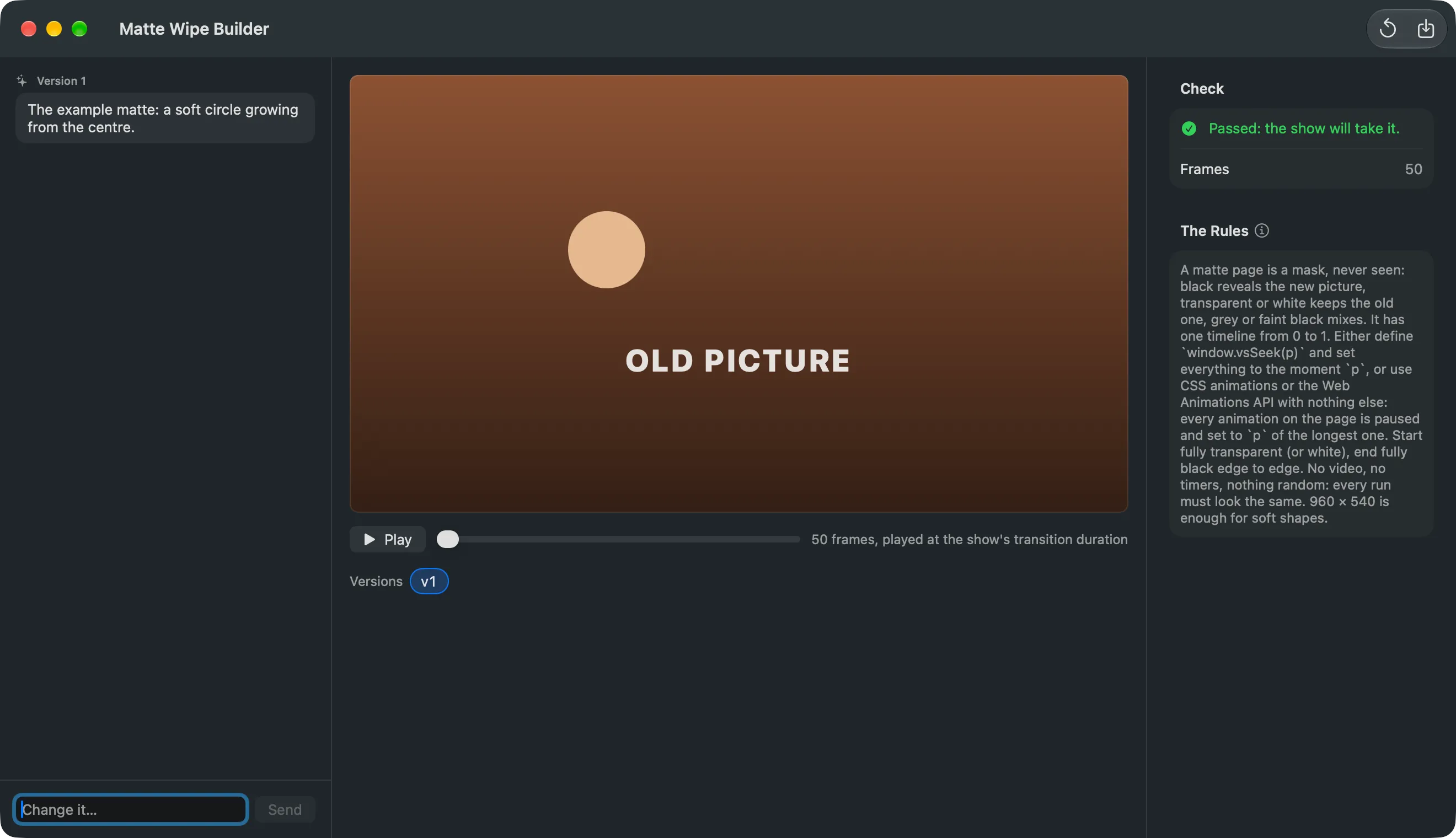
Section titled “Step 1: Open the builder”Choose Spelvin › New Matte Wipe… for a wipe, or Spelvin › New Stinger… for a stinger. The window’s title says which: Matte Wipe Builder or Stinger Builder.
Step 2: Describe it
Section titled “Step 2: Describe it”Type what it should look like and click Send. For a wipe: a shape, a direction, soft or hard. For a stinger: colours, a shape, the logo. Spelvin answers with version 1.
Step 3: Watch the check
Section titled “Step 3: Watch the check”The Studio renders the version and checks it. Rendering and checking… shows while it works. Then the Check panel says Passed: the show will take it., or why not.
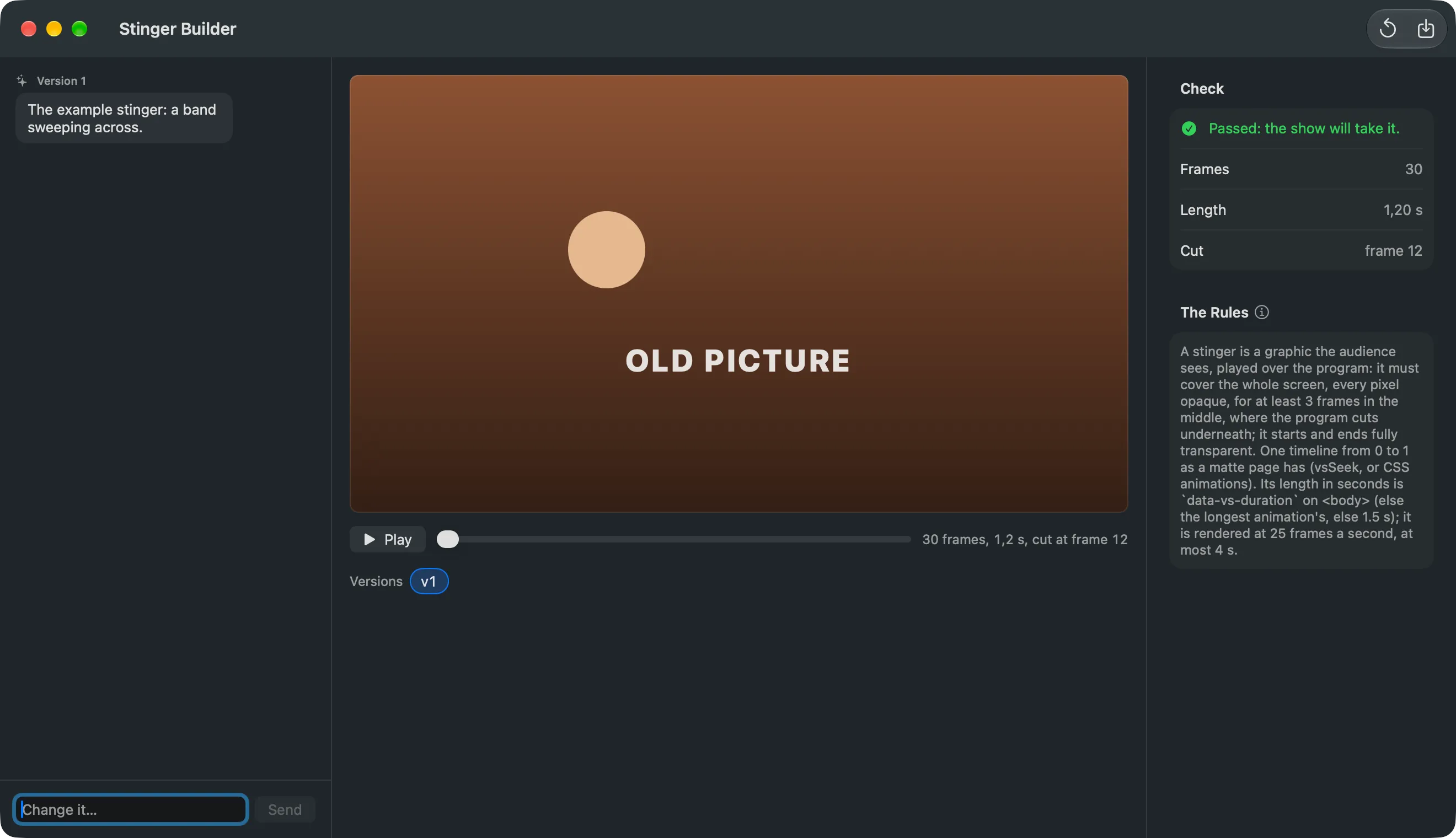
If the check fails, the reason goes back to Spelvin once by itself, and the window shows the fixed version.
Step 4: Play it
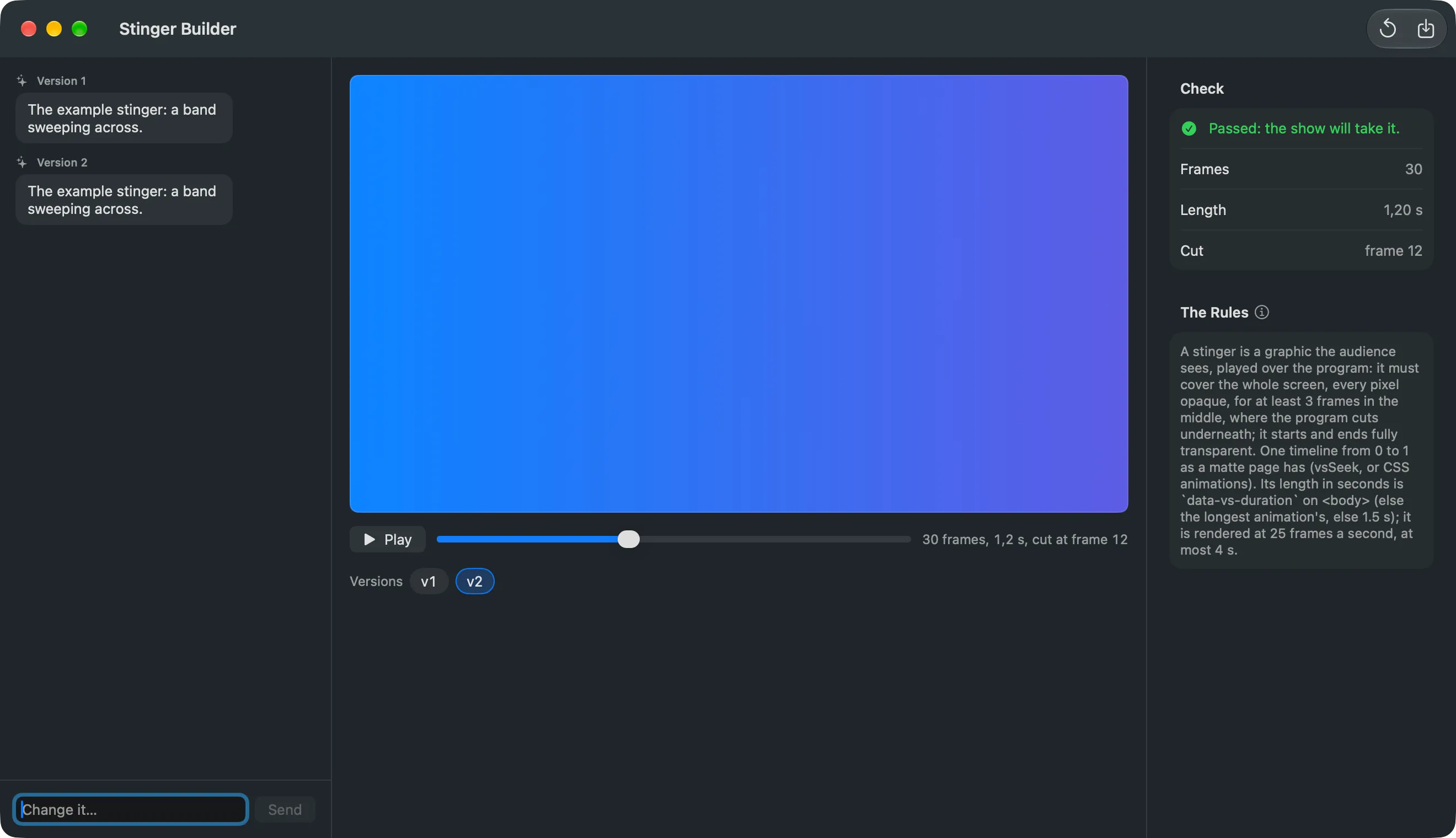
Section titled “Step 4: Play it”Click Play to run the transition once between OLD PICTURE and NEW PICTURE. Drag the slider to step through it. To change it, type what to change and click Send.
Step 5: Save it
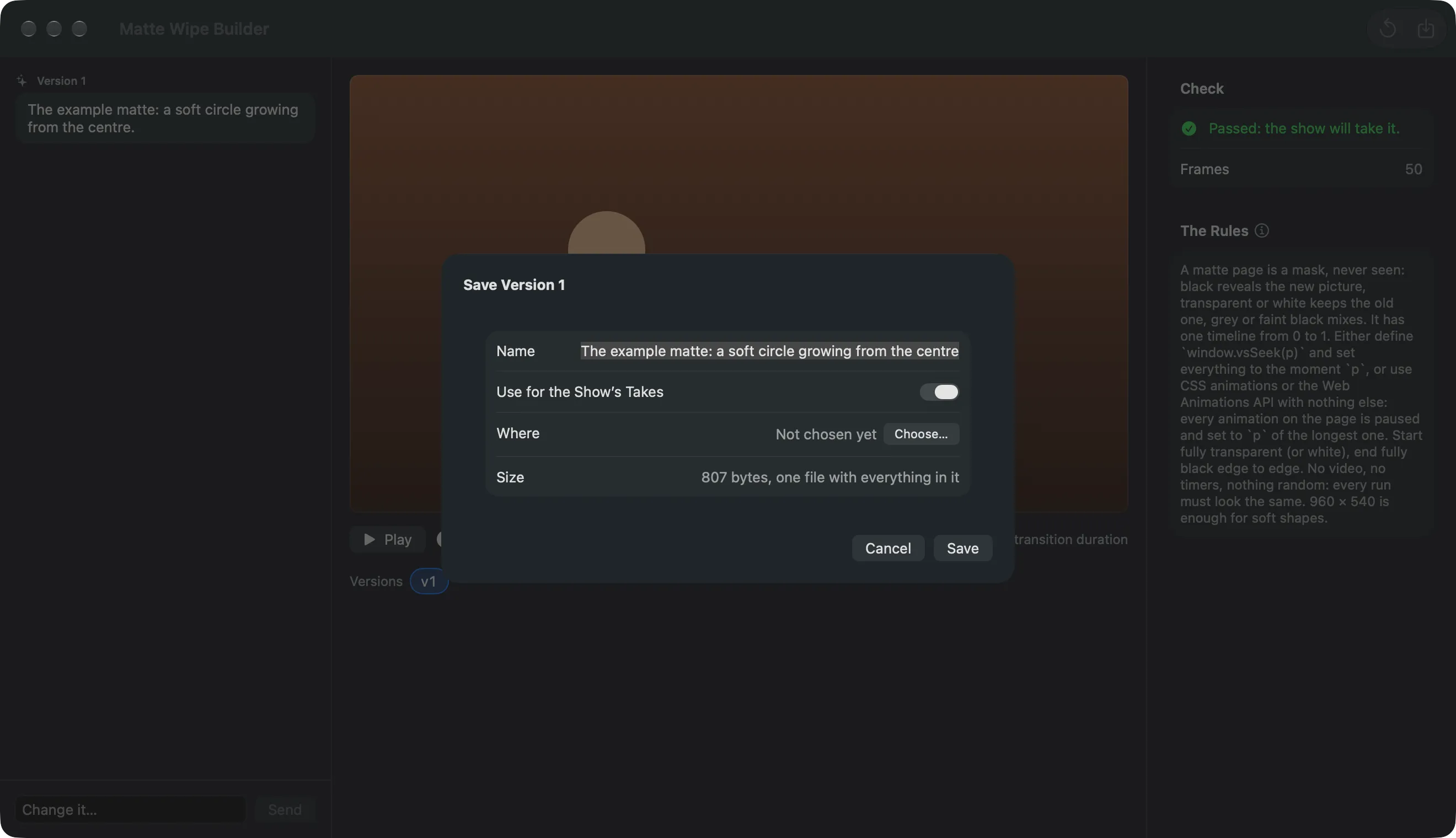
Section titled “Step 5: Save it”Click Save…. Give it a Name and leave Use for the Show’s Takes on. Click Save. The page goes into the show folder’s Transitions, and the show’s Takes use it.
On the web
Section titled “On the web”On a show’s Resources tab, click New Matte Wipe or New Stinger. The dialog works the same way; its check covers what a browser can see. Save… puts the page in the show’s resources. On the Mac, Showrunner › Download Web Files takes it into Transitions, renders it ahead and checks the frames.
Verify
Section titled “Verify”- The Switcher menu names the page: Choose Matte… (name) or Choose Stinger… (name).
- With the matte wipe or the stinger chosen under Switcher › Transition, a Take plays it. See Choose a transition.
Related
Section titled “Related”Describes Live Producer 0.305 · 29 October 2026