
Crop a source by hand in the preview, with Auto Crop, or by asking Spelvin to crop to a subject.
Keep only part of a picture in a shot: a window without its toolbar, a camera without its edges, a chart from a slide. The crop belongs to the shot’s element, not the source. See The editing canvas.
Before you start
Section titled “Before you start”- Select the shot, then the element to crop, in the preview or the inspector’s element list.
- Cropping by dragging works on an upright, flat element. A turned or tilted one keeps its crop in the Crop effect’s fields.
Step 1: Crop by hand
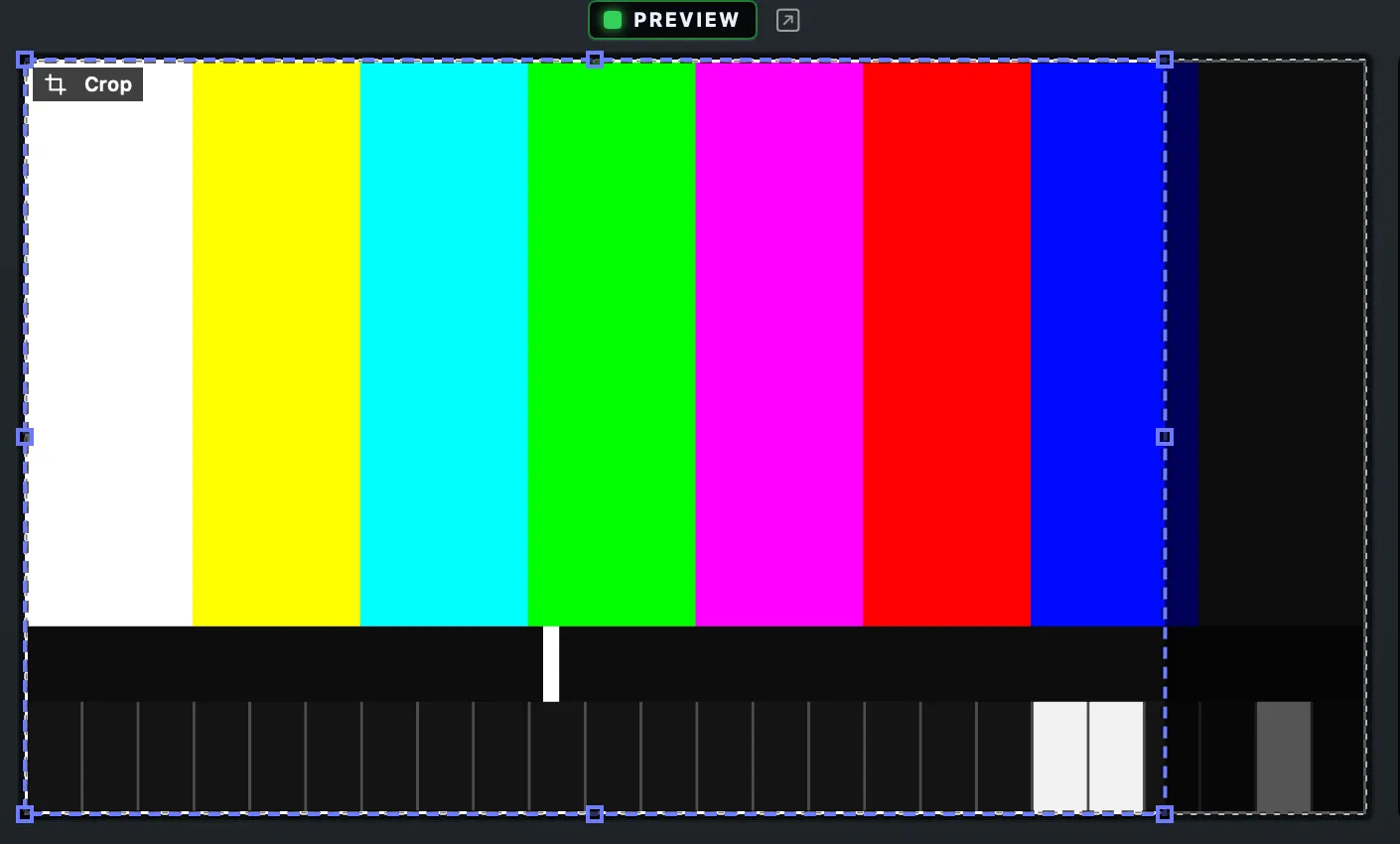
Section titled “Step 1: Crop by hand”Hold Option over the preview. The selected element’s outline turns into a crop frame, with handles on the corners and the middle of each edge, and a Crop tag.
- Option-drag an edge or a corner to cut that side. The picture stays where it is; the box becomes the part you keep.
- Option-drag inside the frame to slide the picture under the box.
While you crop, the preview shows the rest of the picture faintly behind, so you see what is cut away. The program never shows it.
Step 2: Or use Auto Crop
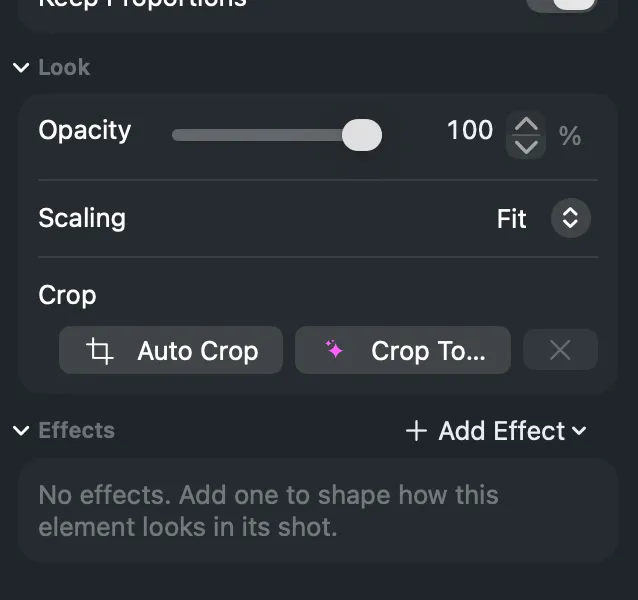
Section titled “Step 2: Or use Auto Crop”In the inspector’s Look section, click Auto Crop in the Crop row. It removes flat borders round the picture, such as black bars. For a window of another app it first removes the title bar and toolbar, or keeps only the web page. The box then takes the shape of the part kept, so no empty bars remain beside it.
Step 3: Or ask Spelvin
Section titled “Step 3: Or ask Spelvin”Click Crop To…, type what to focus on, for example “the chart” or “the speaker”, and press Return. Spelvin proposes a crop in the preview. Press Return to take it, or Escape to discard it. This uses one Spelvin action and needs a Live Producer account. See Crop to.
Step 4: Undo or remove
Section titled “Step 4: Undo or remove”Each crop is one edit: ⌘Z undoes it. Remove in the Crop row takes the crop away and leaves the box as it is.
Verify
Section titled “Verify”The preview shows only the part you kept. Take the shot to put it on the program; a crop of a live shot is an edit, and reaches the program on Take.
Related
Section titled “Related”Describes Live Producer 0.305 · 29 October 2026