
Listening privately means hearing something before it goes live, without anyone else hearing it. What you listen to plays on the Audition bus only. The program, the call, the stream and the recording are never affected.
The Audition bus
Section titled “The Audition bus”Audition is one of the three buses every show has. It carries only what you play by hand. Connect it to your headset in Audio Routing, usually together with the Preview bus. Until it is connected to an output, you hear nothing. See Buses.
Clips: the private player
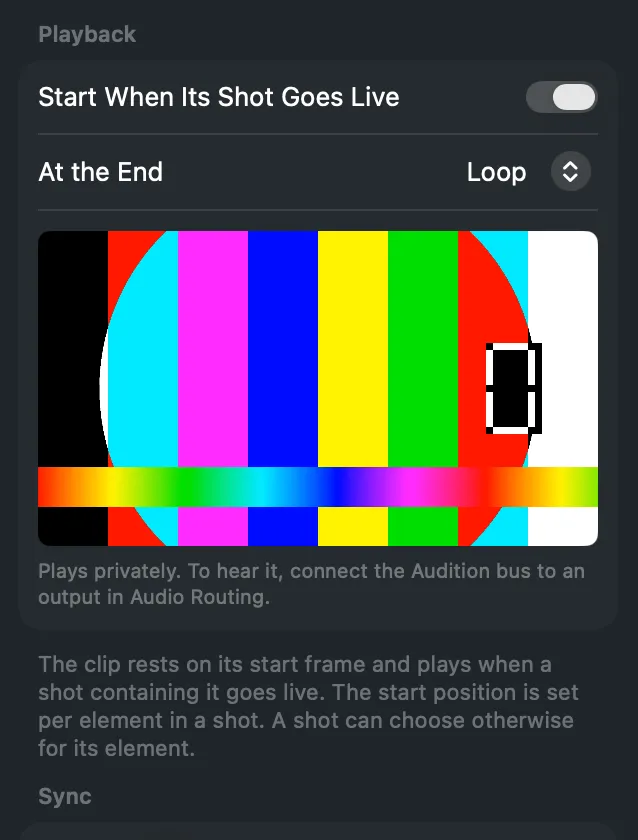
Section titled “Clips: the private player”Select a clip, or a shot element that shows one. The inspector has a player with play, pause, back, forward and scrub. It is separate from the clip on the program: playing, scrubbing or stopping it changes nothing live. A note under the player says whether the Audition bus is connected.
Live inputs: Listen Privately
Section titled “Live inputs: Listen Privately”A sound-only source, such as a microphone or a test tone, has Listen Privately in its inspector. Turn it on to send the source to the Audition bus, whatever is live. Its card in Audio Routing then says Listening privately. Turn it off when you are done.
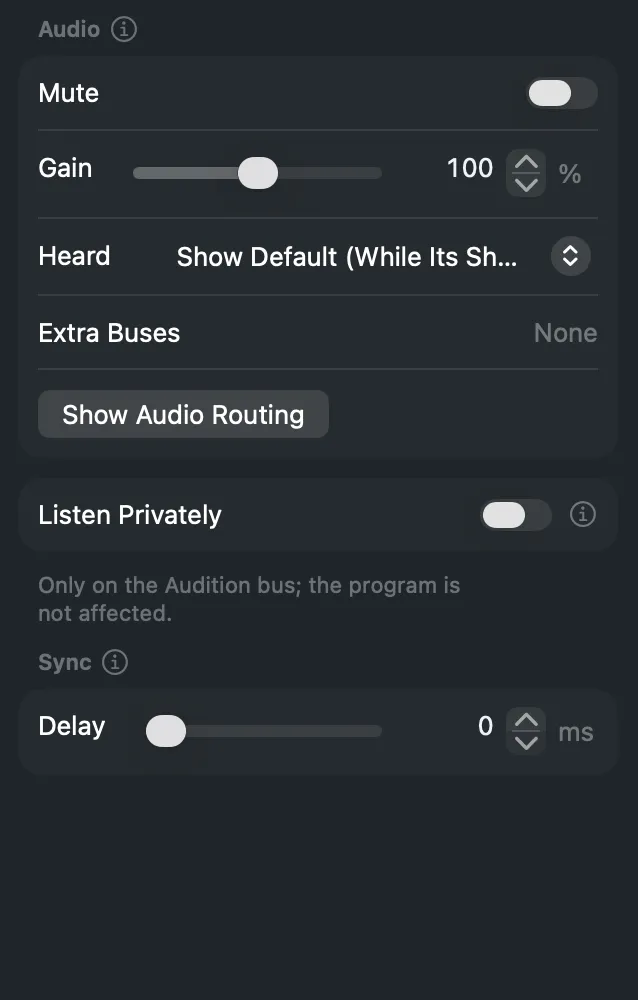
A multichannel input is heard privately on its Default Channels. See Device channels.
Preview is not private
Section titled “Preview is not private”The Preview bus is the sound of what waits in preview. It is for checking the next shot, not for auditioning a source on its own.
Read more
Section titled “Read more”Describes Live Producer 0.305 · 29 October 2026