
Program, Preview and Audition fill themselves; add a bus for a destination that needs its own mix.
A bus is a mix of sources that goes somewhere: to a sound device, a call, the stream, the recording. Every show has three buses that fill themselves. You add a bus when a destination needs a mix of its own.
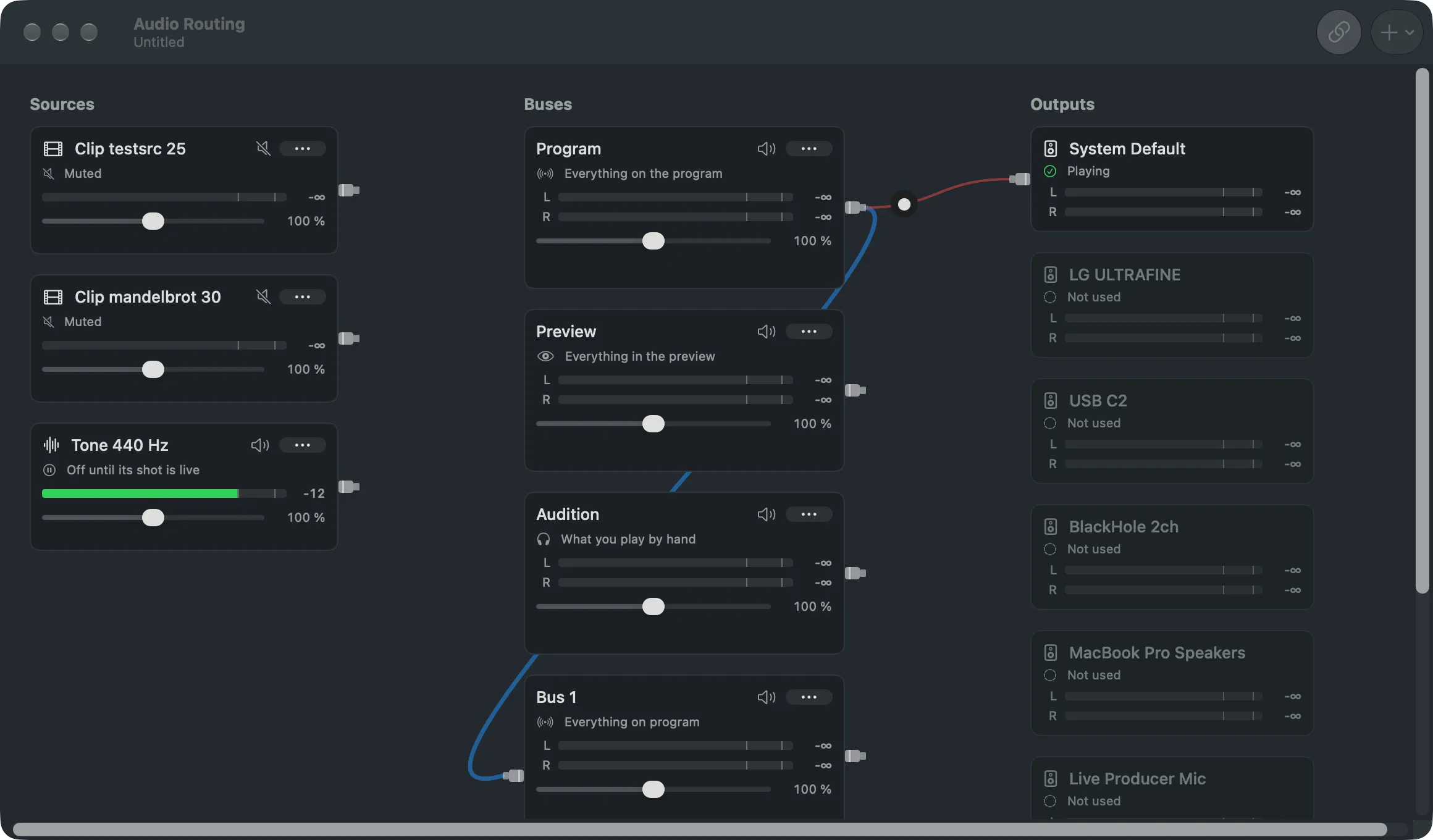
The three standard buses
Section titled “The three standard buses”| Bus | Carries | Typical output |
|---|---|---|
| Program | everything on the program | the call’s microphone, the room speakers |
| Preview | everything in the preview | the operator’s headset |
| Audition | only what you play privately | the operator’s headset |
You never connect sources to them. The recording carries the Program bus, and each stream target plays the Program bus unless its Sound setting names another bus.
Audio follows video
Section titled “Audio follows video”A source is heard on the Program bus while a shot that contains it is live, and it fades with the transition. This holds for sound-only sources too: an audio input is opened by a shot of it on a layer. Audio Follows Video in the Audio Routing toolbar sets this for the whole show.
A source can override it with Heard: While Its Shot Is Live or Always. A shot can override the source with Sound (On or Muted) and Level in Shot in the element’s Sound section.
Extra buses
Section titled “Extra buses”Add one with Add Bus in the Audio Routing toolbar. There are two kinds:
- Chosen Sources: only the sources you send to it, while they are on program (or in preview, if it follows Preview). Drag from a source’s port to the bus, or tick the bus under Also Send To in the source’s … menu.
- Everything on Program, Minus…: everything the program carries except what you leave out. This is the mix for a call, so its people do not hear themselves. Tick what to leave out under Leave Out in the bus’s … menu.
Takes and Follows in the bus’s menu change its kind and its feed later. Double-click an extra bus’s name to rename it.
Levels act at once
Section titled “Levels act at once”Edits inside a live shot reach the program on Take, like every edit. Source level and mute, and bus level and mute, act immediately, as on a mixing desk.
Read more
Section titled “Read more”Describes Live Producer 0.305 · 29 October 2026