
An HTML template is a web page from a file on this Mac, used as a graphic: a lower third, a title, a logo bug. Parts of the page are marked as variables. Each shot that uses the page fills them in, so one page serves every speaker.
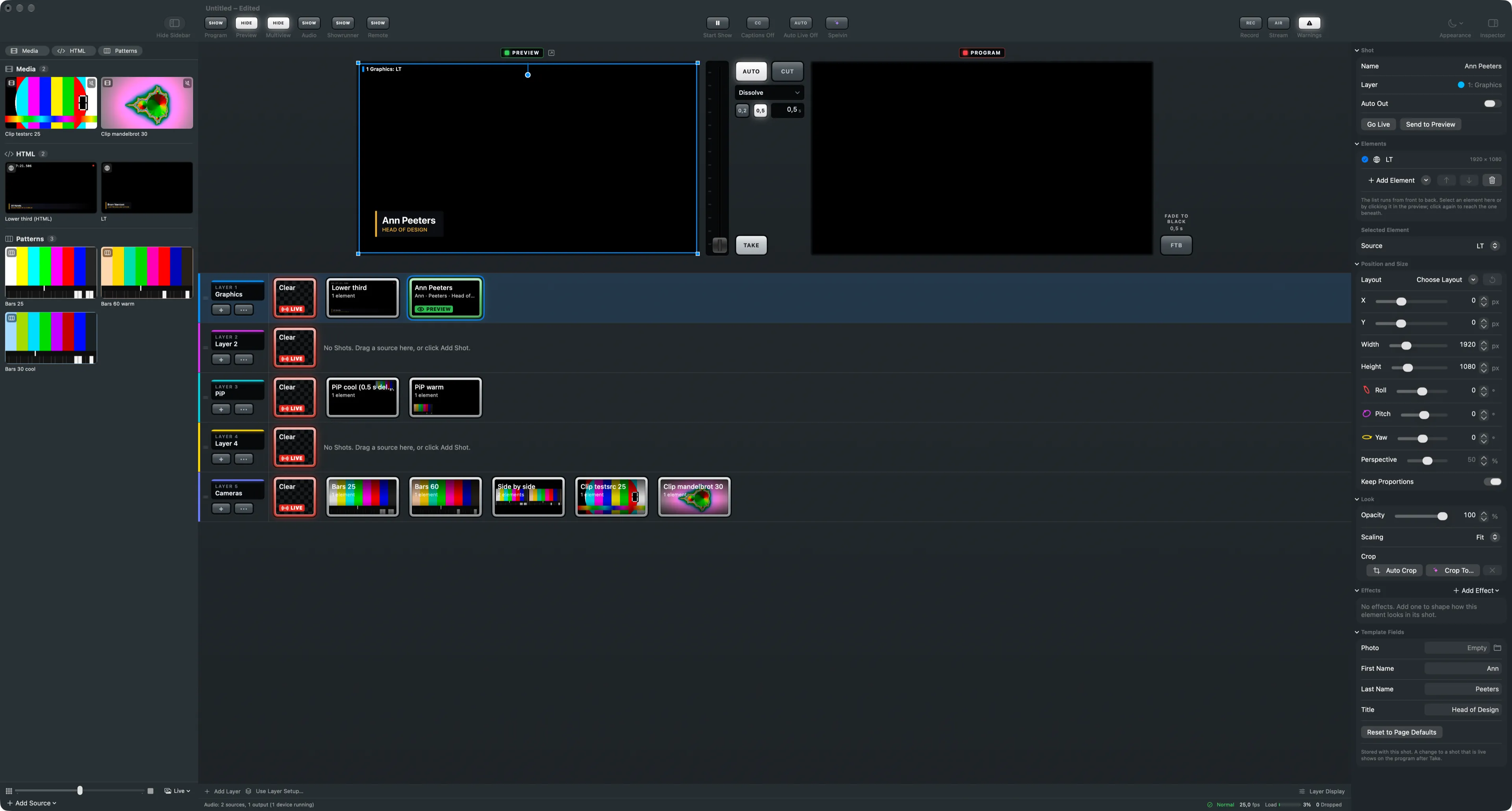
A page, rendered with transparency
Section titled “A page, rendered with transparency”The page is drawn at 1920 × 1080 over a transparent background. What the page does not paint shows the layers behind it. Templates sit in the HTML group of the sidebar, apart from live pages from the internet in the Web group.
Variables
Section titled “Variables”A variable is a tag in the page marked with data-vs-var. What is inside the tag is its default:
<span data-vs-var="Firstname" data-vs-label="First Name">Ann</span><div data-vs-var="Title">Head of Design</div><img data-vs-var="Photo" data-vs-attr="src" src="">| Attribute | Means |
|---|---|
data-vs-var="Name" |
the variable; the same name may be used in several places |
data-vs-label="First Name" |
the label of its field in the inspector (optional) |
data-vs-attr="src" |
put the value in that attribute instead of the text, for a picture (optional) |
The inspector’s Template section for the source lists the Variables the page declares.
Values belong to the shot
Section titled “Values belong to the shot”Select a shot with the page and the inspector shows Template Fields, one field per variable. What you type is stored with that shot and saved in the show. An empty field shows the page’s default. Reset to Page Defaults empties them all. The shot’s tile shows its values.
Changing a field of a live shot is an edit like any other: the preview changes, and the program follows on Take.
Entrances on air
Section titled “Entrances on air”The page learns when its shot goes on the program, so an entrance animation plays on air, not
when the page was loaded. Going live, the app sets the class vs-live on <html> and starts the
page’s CSS animations again. Once the transition is done it adds vs-shown. Off the program both
classes go. The page also receives the events videoswitcher:variables, videoswitcher:live,
videoswitcher:shown and videoswitcher:off. A page that starts its own entrance sets
data-vs-replay="off" on <html>.
In the multiview
Section titled “In the multiview”A template page is left out of the multiview’s automatic boxes, as a box would show it without its values. See Multiview.
Making a page
Section titled “Making a page”Write the page yourself, or let Spelvin build one with the Lower Third Builder.
Read more
Section titled “Read more”Describes Live Producer 0.305 · 29 October 2026