
How a Take changes the program: Auto or Cut, the transition's look and duration, the T-bar, matte wipes and stingers, and Fade to Black.
A transition is how the program changes from what is on air to what waits in the preview. The show has one transition, and it applies to every layer that changes on a Take, when a shot goes live straight away, and when Auto Out takes a shot off.
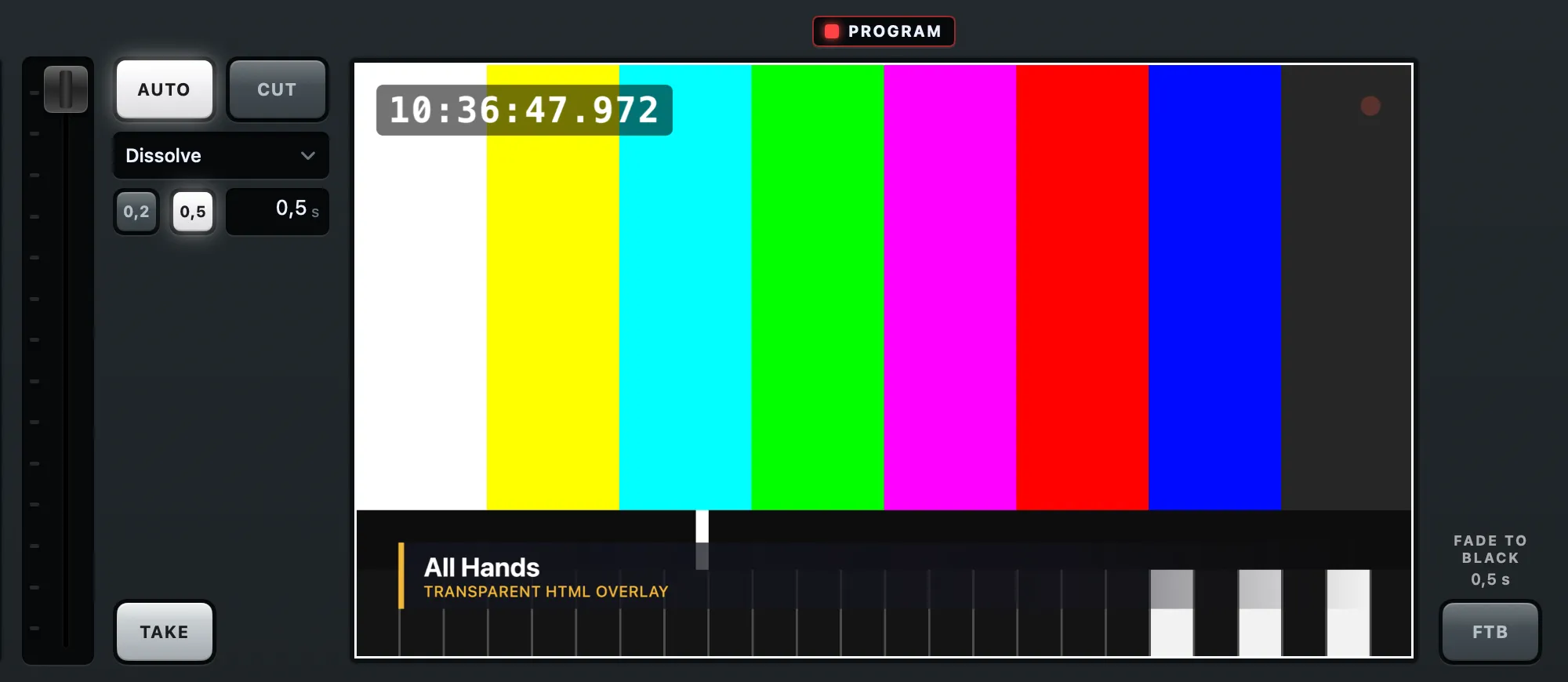
Auto or Cut
Section titled “Auto or Cut”Take With says what Take does:
- Auto takes with the transition below it, in its duration.
- Cut changes the program at once. The transition’s look and duration are kept, dimmed, so Auto finds them again.
Switcher › Cut Now (⌥Return) is one cut, whatever Take With says.
The look
Section titled “The look”The Transition menu lists them in groups:
- Dissolve
- Dip to Black, Dip to White
- Wipe from Left, Wipe from Right, Wipe from Top, Wipe from Bottom
- Push from Left, Push from Right
- Iris
- Matte Wipe, Stinger
A direction says where the new picture comes from. A dip goes through its colour wherever either picture covers, so a full-frame layer dips the whole frame and a lower third dips in its own shape. Choosing a look puts Take With on Auto.
The duration and the presets
Section titled “The duration and the presets”The duration runs from 0.1 to 5 seconds, in tenths. Type it, or drag left and right on it. The two preset keys beside it (0.2 and 0.5 seconds until you change them) set it in one press; a preset lights while the duration equals it. The look and the duration are the show’s, and changing them can be undone. The presets’ values are this Mac’s: right-click a preset and choose Keep Current Duration Here to store the current duration on it.
The T-bar
Section titled “The T-bar”In the Console look a T-bar sits left of the column. Drag it to mix the preview into the program by hand: the program holds the mix where you leave the bar, and its label says how far (“MIX 40%”). At the far end it is a Take. TAKE finishes a held mix from where the bar stands. The bar also works while Take With is Cut, as on a hardware mixer. During a Take it moves by itself, like a motorised fader.
Matte wipes and stingers
Section titled “Matte wipes and stingers”A matte wipe uses an image or an animation to decide where the new picture shows: black reveals it, white or transparent keeps the old one, grey mixes. It can be a still gradient, a folder of frames, a movie or an HTML page. Its timing is the transition’s duration.
A stinger plays a graphic over the program and cuts underneath while the graphic covers the whole screen: a movie with alpha, a folder of frames, or an HTML page. It runs at its own length, so the duration and the presets rest while it is chosen.
Both are rendered ahead and checked when you choose them; one that would show a cut is refused with the reason, as a warning. Choose the file with Switcher › Choose Matte… or Choose Stinger…, or have Spelvin make one; see The transition builder.
Fade to Black
Section titled “Fade to Black”Fade to Black takes the whole program to black in the transition’s duration, and back up on the next press, also while Take With is Cut. The program sound fades with it, including what goes into a call. The recording, the streams, the camera and the multiview all go black; the preview and the tiles do not. Takes go on underneath, so fading up shows whatever is on the program then.
Fade to Black is a live action: it is never saved in the show and never undone, and a show always opens with the program up.
Read more
Section titled “Read more”Describes Live Producer 0.305 · 29 October 2026