
Settings › This Show › Streaming: the show type, its targets, the key per target, and the encoding.
Open Settings › This Show › Streaming. This page says where the open show streams to. It is saved with the show, and its changes can be undone. The targets themselves and their usual keys are set up elsewhere, in the stream library.
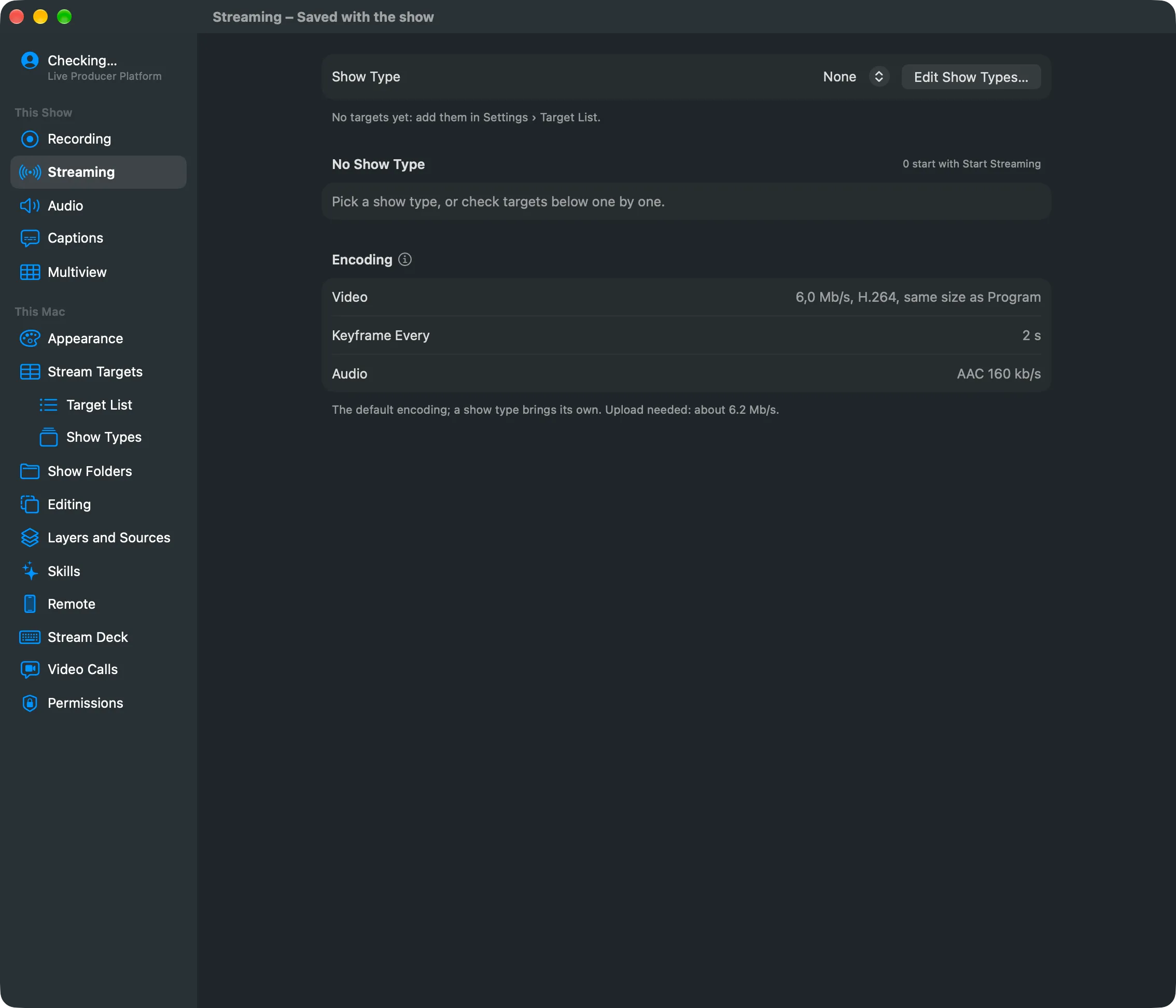
Show Type
Section titled “Show Type”The Show Type picker lists the show types by number and name, and None. Edit Show Types… opens the Show Types page. When the show was made on another Mac or account, a row says which targets this Mac lacks, and Add to My Stream Targets adds them to your library. See The stream library.
The show type’s targets
Section titled “The show type’s targets”One row per target of the show type, with its letter and name. A checkbox includes it in Start Streaming; the header counts how many start. A Type tag means the row follows the show type; Show means this show changed it, marked Left Out or Added, with a button back to the show type. The key picker chooses Usual Key or Key for This Show (for SRT, Usual Passphrase or Passphrase for This Show). The state shows on the right: Ready, Connecting, Waiting for Receiver, Live with the time, Reconnecting or Failed.
Other Targets
Section titled “Other Targets”Targets of the library that are not in the show type. Check one to add it to this show only.
Encoding
Section titled “Encoding”The show type’s encoding, shown here but not changed here: the video bit rate, the keyframe interval and the audio. Edit Show Type N… opens it. The footer estimates the upload the checked targets need. See Streaming.
See also
Section titled “See also”Describes Live Producer 0.305 · 29 October 2026