
Sources send to buses, buses play to outputs: the Audio Routing window, listening privately, and device channels.
Sound in a show flows one way: sources are heard on buses, and each bus plays to one or more output devices. The routing belongs to the show and is set in the Audio Routing window (Window › Audio Routing, ⌥⌘A, or Audio in the toolbar).
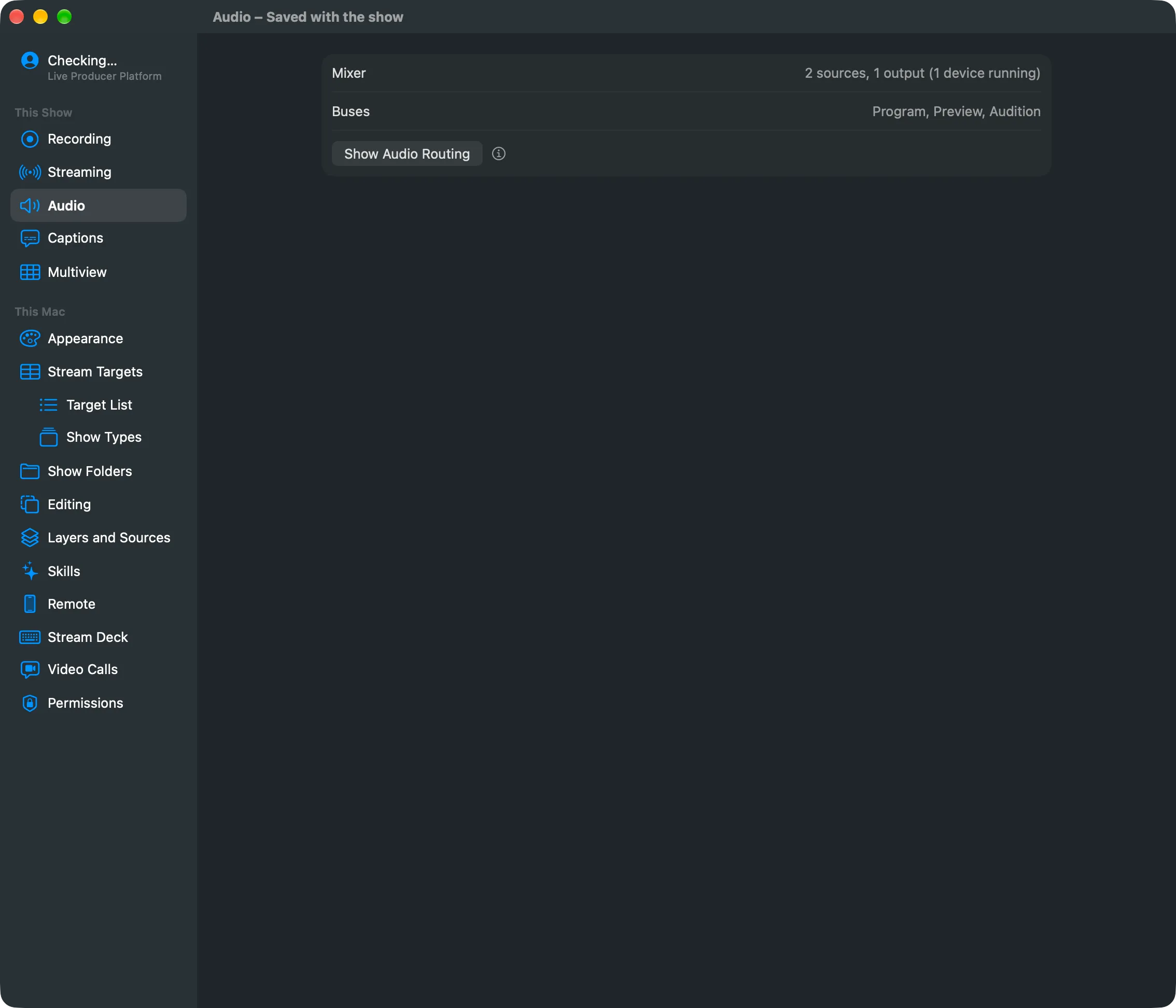
Settings › This Show › Audio shows whether the mixer runs and which buses the show has, with a Show Audio Routing button. Everything else is in the window.
In this section
Section titled “In this section”Describes Live Producer 0.305 · 29 October 2026