
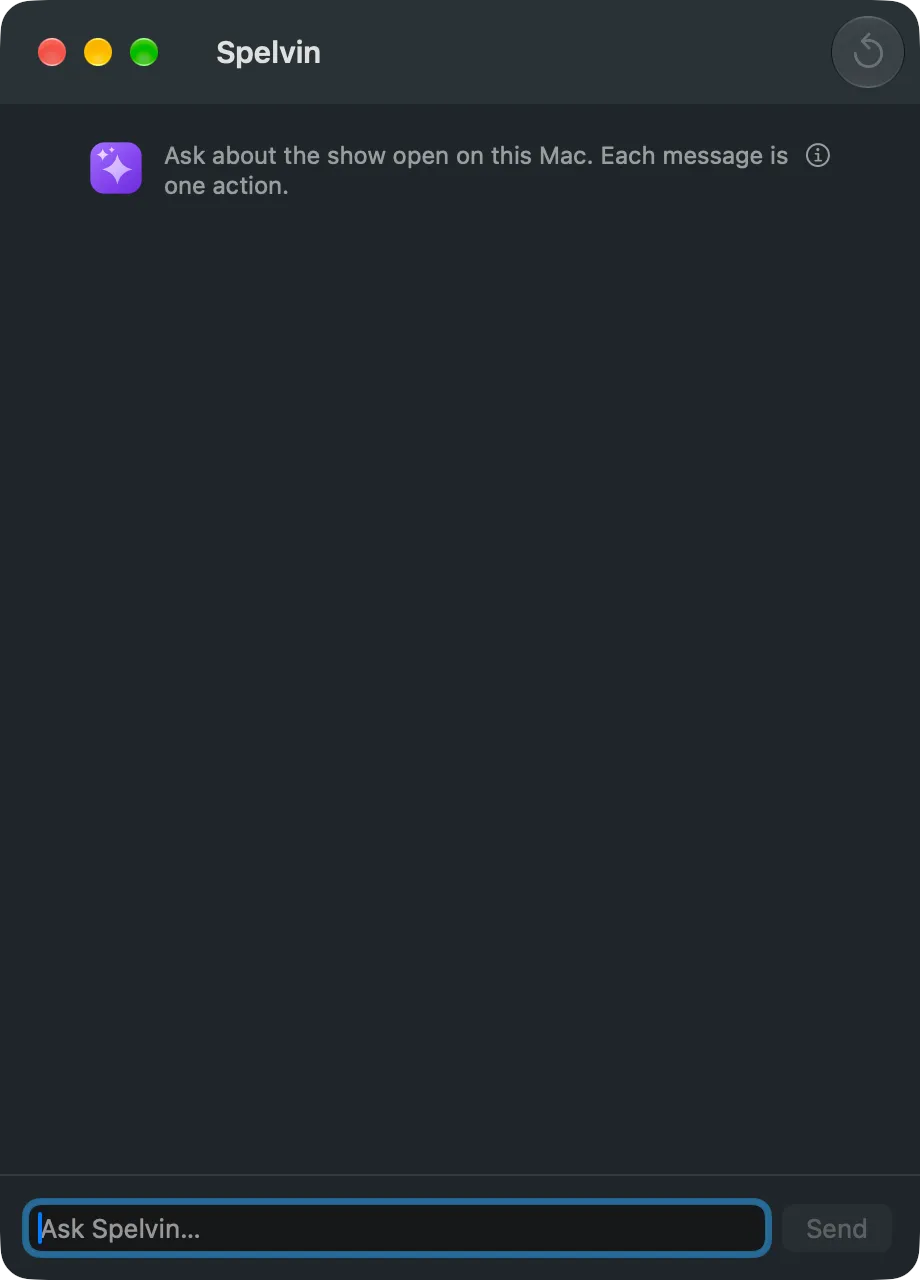
The chat is a conversation with Spelvin about one show. You ask; Spelvin reads the show and answers. When a change would help, Spelvin proposes it, and you apply or discard it.
Two places
Section titled “Two places”| Where | Talks about | A proposal changes |
|---|---|---|
| The Studio: Window › Spelvin (⌥⌘J) | The show open on this Mac, and its web show when it is linked | The show on this Mac, or the web show’s draft |
| The web: a show’s Spelvin button (⌥S) | That web show | The show’s draft |
What Spelvin can see
Section titled “What Spelvin can see”On the Mac, Spelvin reads the show’s sources and their health, the layers and their shots, what is on the program, and the rundown with its parts, times and presenters. With the show linked, and on the web, it also reads the web show: each section and part, its words, the files the show needs, and the company’s files by name.
What Spelvin can propose
Section titled “What Spelvin can propose”- On the Mac: rename a shot, a source or a layer; add a stand-in; add or move a layer; add or move a shot; set a shot’s Auto Out. Ask “set up the layers for this show” and it proposes the layers and shots the rundown needs.
- On the web show: rename, change, split, merge, move or delete sections (a deleted section’s parts join the section before it); change or move parts; set a presenter’s title; add, move, change or remove cues.
- A lower third: Spelvin can open the Lower Third Builder with your words. See The Lower Third Builder.
Spelvin never deletes a shot, a layer or a source.
Proposals
Section titled “Proposals”A proposal is a card: what it does, each change in words, Apply and Discard. The corner says where it applies: This show or The web show’s draft. A card you decided says Applied or Discarded.
Spelvin tries every proposal before you see it, and the app checks it again when you apply. On the Mac, Apply is one edit, named “Spelvin: …” in Edit › Undo. An edit never reaches the program: a rename shows in the preview and the shot strips, and the program changes on your next Take. On the web, Apply changes the draft, never a published version.
The conversation
Section titled “The conversation”The conversation is kept per person and per show. Spelvin remembers its last 20 lines. Start Over begins a new conversation. While Spelvin works, Stop cancels.
What it never does
Section titled “What it never does”The chat cannot take, cue, record, stream or run the show, publish a version, or change files or members. See Actions and limits.
Each message counts one action, however much Spelvin reads to answer it. Only admins and showrunners can use it.
Read more
Section titled “Read more”Describes Live Producer 0.305 · 29 October 2026