
Ask for a change in the chat, then apply or discard what Spelvin proposes.
Ask Spelvin in plain words for a change to the show, and decide on its proposal. To read what the chat can see and change, see The chat.
Before you start
Section titled “Before you start”- You are an admin or a showrunner, signed in. In the Studio, see Sign in.
- The show is open: in the Studio for its shots, layers and sources; on the web, or in the Studio with the show linked, for its sections, parts and cues.
- Spelvin has actions left: each message counts one.
Step 1: Open the chat
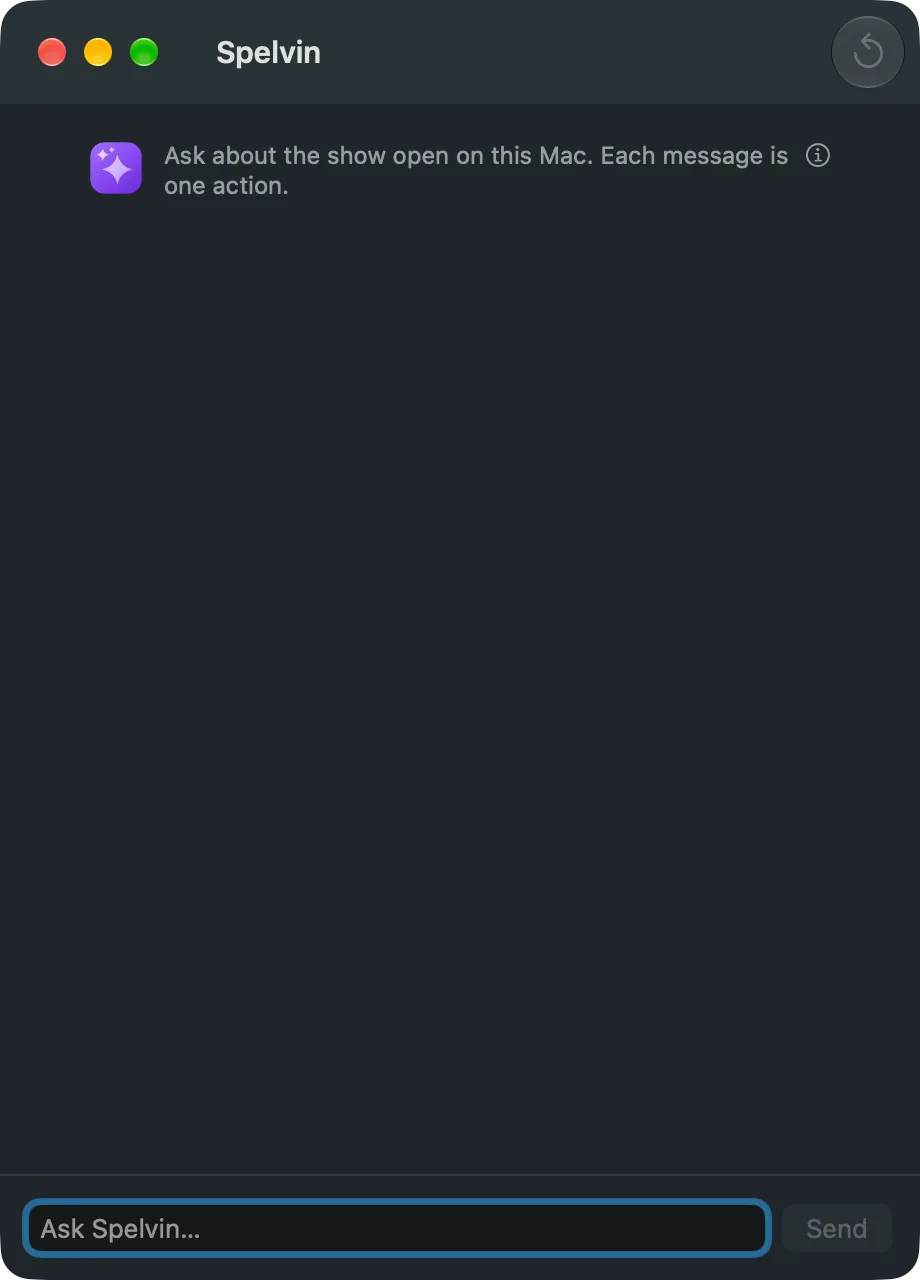
Section titled “Step 1: Open the chat”In the Studio, choose Window › Spelvin (⌥⌘J). On the web, open the show and click Spelvin in the top bar, or press ⌥S.
Step 2: Ask
Section titled “Step 2: Ask”Type what you want in Ask Spelvin… and click Send. For example:
- “Set up the layers for this show.”
- “Give the shots shorter names.”
- “Section 3 runs long. Split it where Priya starts.”
- “Put a lower third cue on Lucas’s first words.”
While Spelvin works, the window says what it is doing. Stop cancels.
Step 3: Read the proposal
Section titled “Step 3: Read the proposal”Spelvin answers, and a change comes as a card: what it does and each change in words. The corner says where it applies: This show or The web show’s draft.
Step 4: Apply or discard
Section titled “Step 4: Apply or discard”Click Apply to make the changes, or Discard to drop them. The card then says Applied or Discarded. If a change no longer fits, for example because a section was removed meanwhile, nothing changes and Spelvin says why.
To change the proposal, say what to do differently and Spelvin proposes again.
Step 5: Undo if needed
Section titled “Step 5: Undo if needed”In the Studio, choose Edit › Undo: the whole proposal is one edit, named “Spelvin: …”. On the web, the changes are in the draft; change them back in the editor before you publish.
Verify
Section titled “Verify”- In the Studio, the changes show in the shot strips and the preview. The program changes only on your next Take.
- On the web, the show’s header says Draft differs, and the Versions tab lists the changes.
Related
Section titled “Related”Describes Live Producer 0.305 · 29 October 2026