
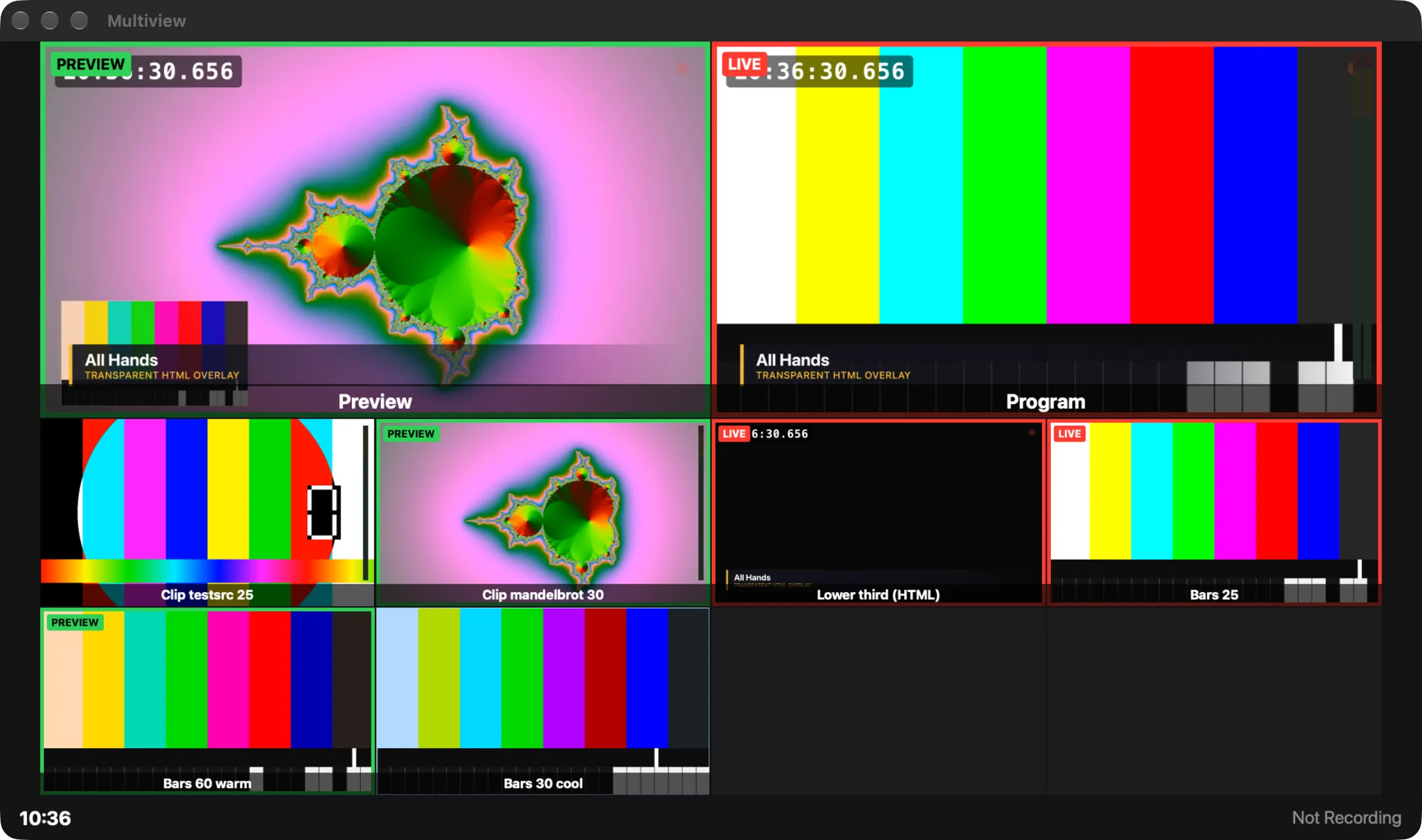
The multiview for watching, and the program in a window of its own or full screen on another display.
Besides the main window, the Studio can show two pictures in windows of their own: the Multiview, a monitor wall of program, preview, sources and timers, and the Program window, the program alone at 16:9. Each can go full screen on any display, and the show remembers where they were.
The multiview’s layout, boxes and overlays are set in Settings › This Show › Multiview.
In this section
Section titled “In this section”Describes Live Producer 0.305 · 29 October 2026