
Write to support@liveproducer.ai; Help › Get Support in the Studio opens this page. A good question gets a quick answer, so send these with it.
What to send
Section titled “What to send”- The version. Choose Live Producer › About Live Producer, or look at the Version line in Settings › Account. Say whether the Studio and the platform differ; see Versions.
- Your Mac. Its chip and its macOS version.
- What you did and what happened. The steps, what you expected, and what you saw instead.
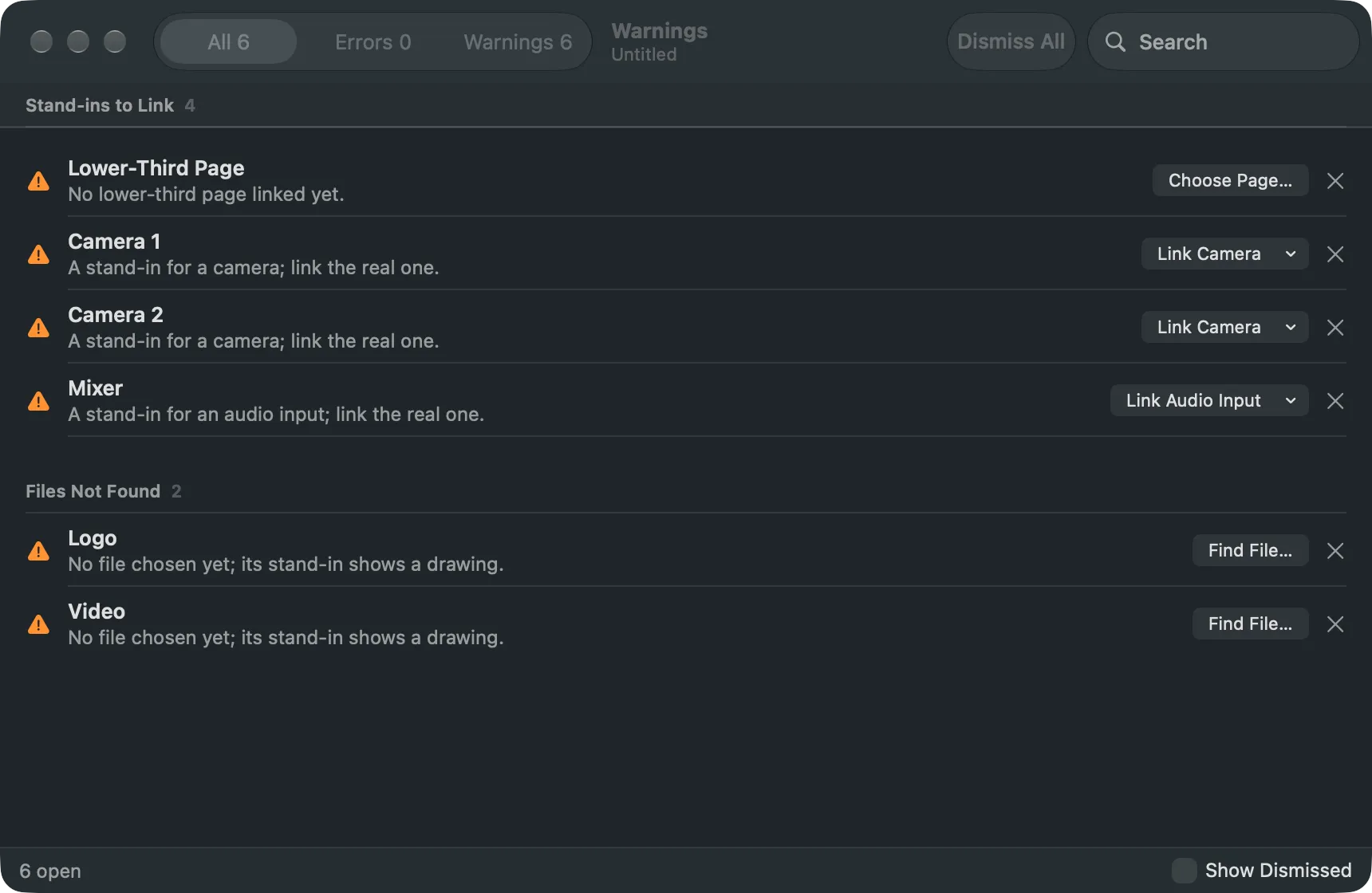
- The warnings and errors. Open Window › Warnings (⌥⌘’), right-click a row and choose Copy, then paste it into your mail. A screenshot of the window works too. See Warnings.
- How the Mac kept up, for a problem with stutter or dropped frames: View › Show Status Bar (⌘/) shows the frame rate, the load and the dropped frames; View › Performance Details says more.
- The show, if you can share it. A show in a show folder can be sent as the whole folder.
See also
Section titled “See also”Describes Live Producer 0.305 · 29 October 2026