
A company has members with roles (admin, showrunner, contributor) and, per show, section editors.
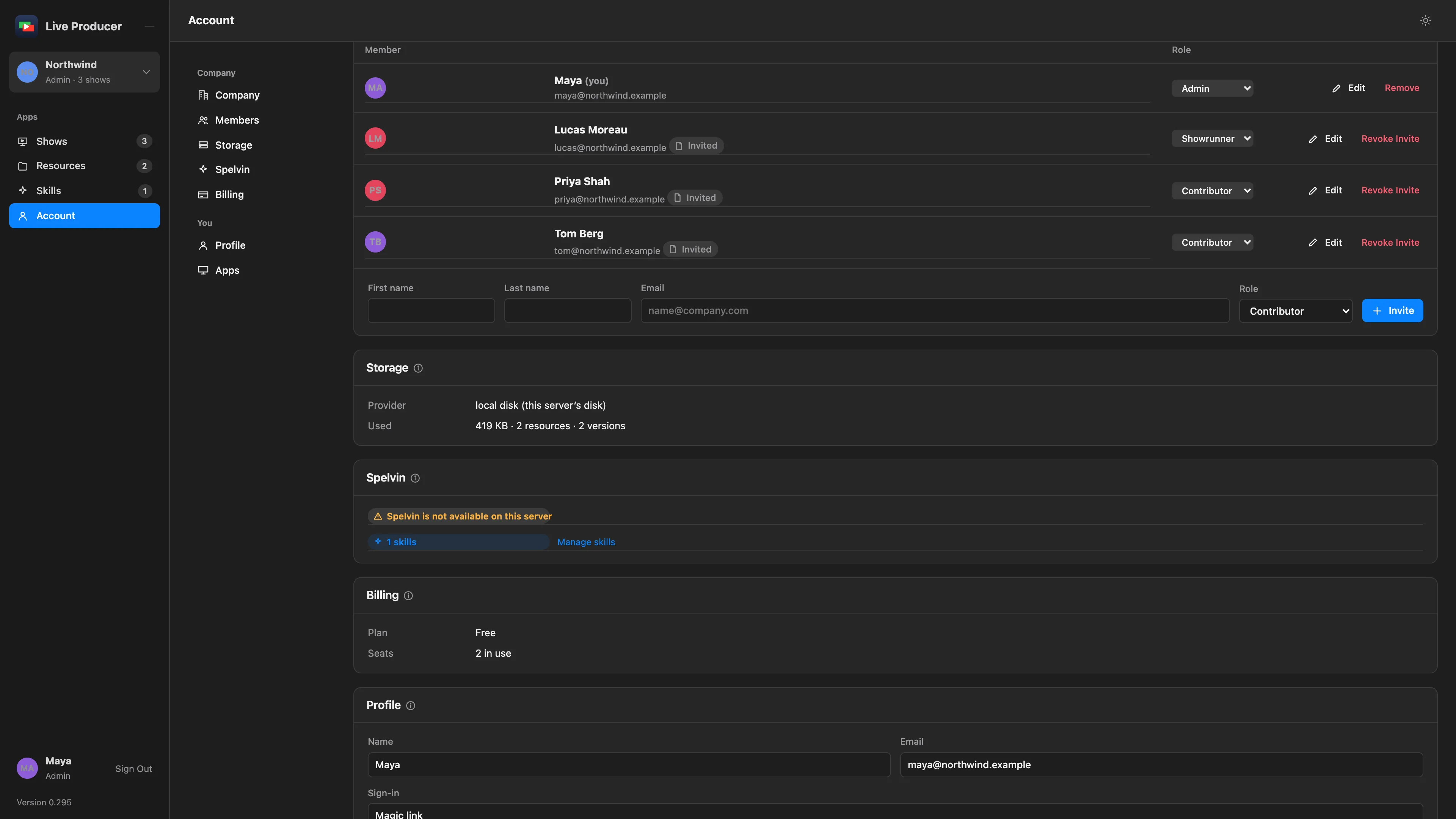
A company is the group that owns shows, resources and skills on the Live Producer Platform. Its people are members, and each member has one role in it.
Companies
Section titled “Companies”Everything on the platform belongs to a company: its shows, its resources, its skills and its Spelvin allowance. You can belong to more than one company. The company at the top of the rail is the one you work in; click it to switch, or choose New Company… to make one. You become the admin of a company you make.
| Role | Does |
|---|---|
| Admin | Manages the members, storage and billing. Can do everything a showrunner does, and delete a show. |
| Showrunner | Makes and publishes shows, keeps skills, assigns section editors. |
| Contributor | Brings resources and words for their own parts. |
Admins and showrunners use Spelvin; contributors don’t. Only admins and showrunners see Skills in the rail.
What a contributor may do
Section titled “What a contributor may do”Each show sets what its contributors can do, in its Settings tab under Contributors may:
- Read the whole script, not only their own parts
- Edit the words of their own parts
- Upload resources for their own parts
- Keep their presenter profile
A contributor’s changes land in the draft. A showrunner publishes them. The contributor’s own view of a show, with only their parts and files, is still being built.
Section editors
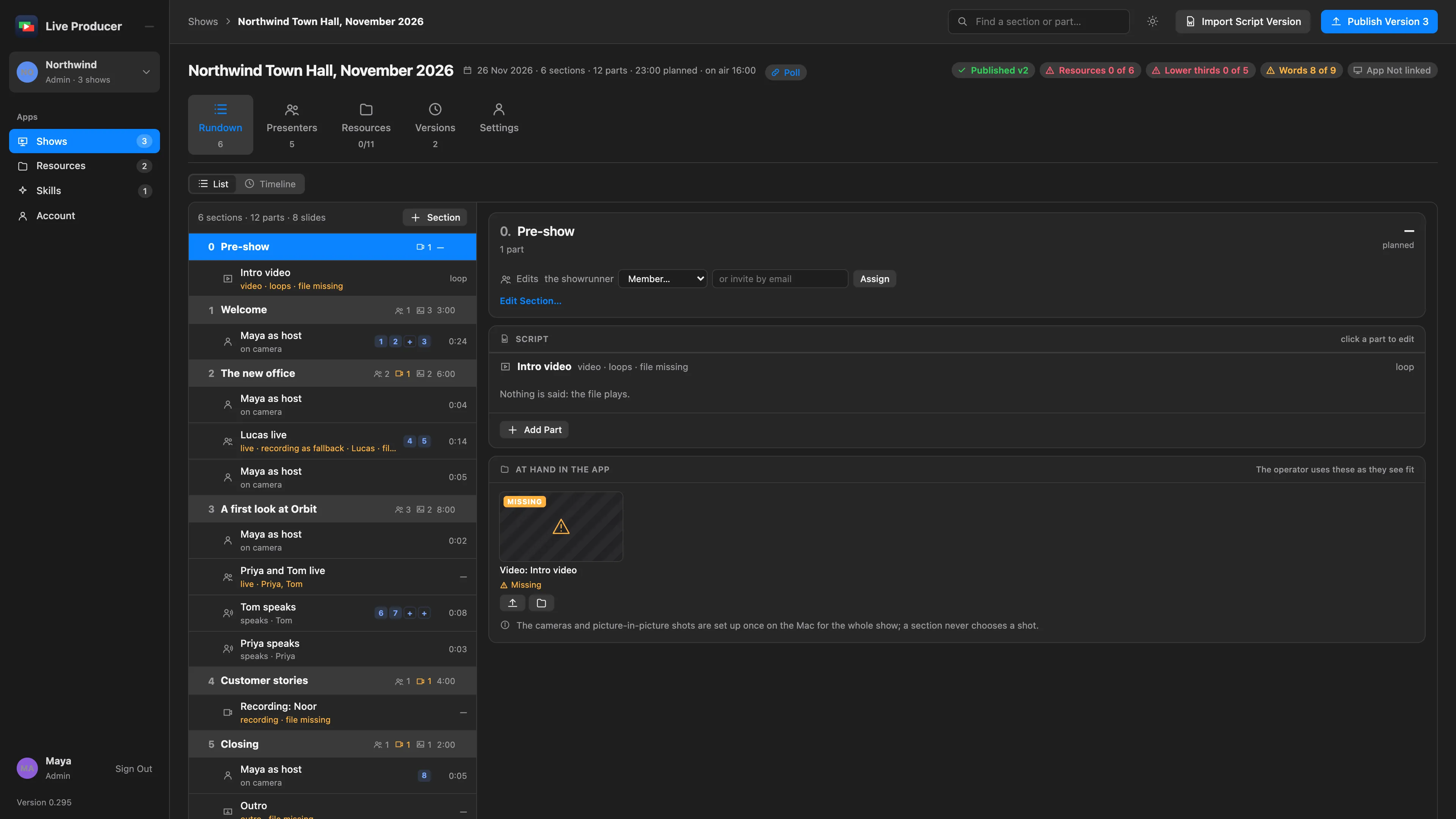
Section titled “Section editors”A showrunner can make a person the editor of one section. The Edits row on the section’s card lists them; with nobody assigned, the showrunner edits it. An editor can change the section’s title, timing, presenters and notes, and every part in it, whatever the show’s contributor settings say. Moving, merging, deleting and adding sections, and publishing, stay with the showrunner.
Someone who is not in the company yet can be invited from the section by email. They join as a contributor and get a mail with a link to that section. Sections a person cannot edit are dimmed for them, so their own sections stand out.
The company names its members: an admin gives a first and last name at the invitation, or later with Edit. That name shows on the company’s pages. Your own name, under Account › Profile, shows where the company set none.
Signing in
Section titled “Signing in”There is no password. You sign in with a link sent to your email, or with Apple. The Studio signs in through the browser and confirms the Mac with a code. See Sign in.
Read more
Section titled “Read more”Describes Live Producer 0.305 · 29 October 2026