
The Spelvin window and menu, the builders, Crop To, the New Show sheet, and the platform: every place you can ask Spelvin.
Spelvin works in a handful of places, in the Studio and on the platform. In the Studio it needs you to be signed in; signed out, its windows show a Sign In… button instead.
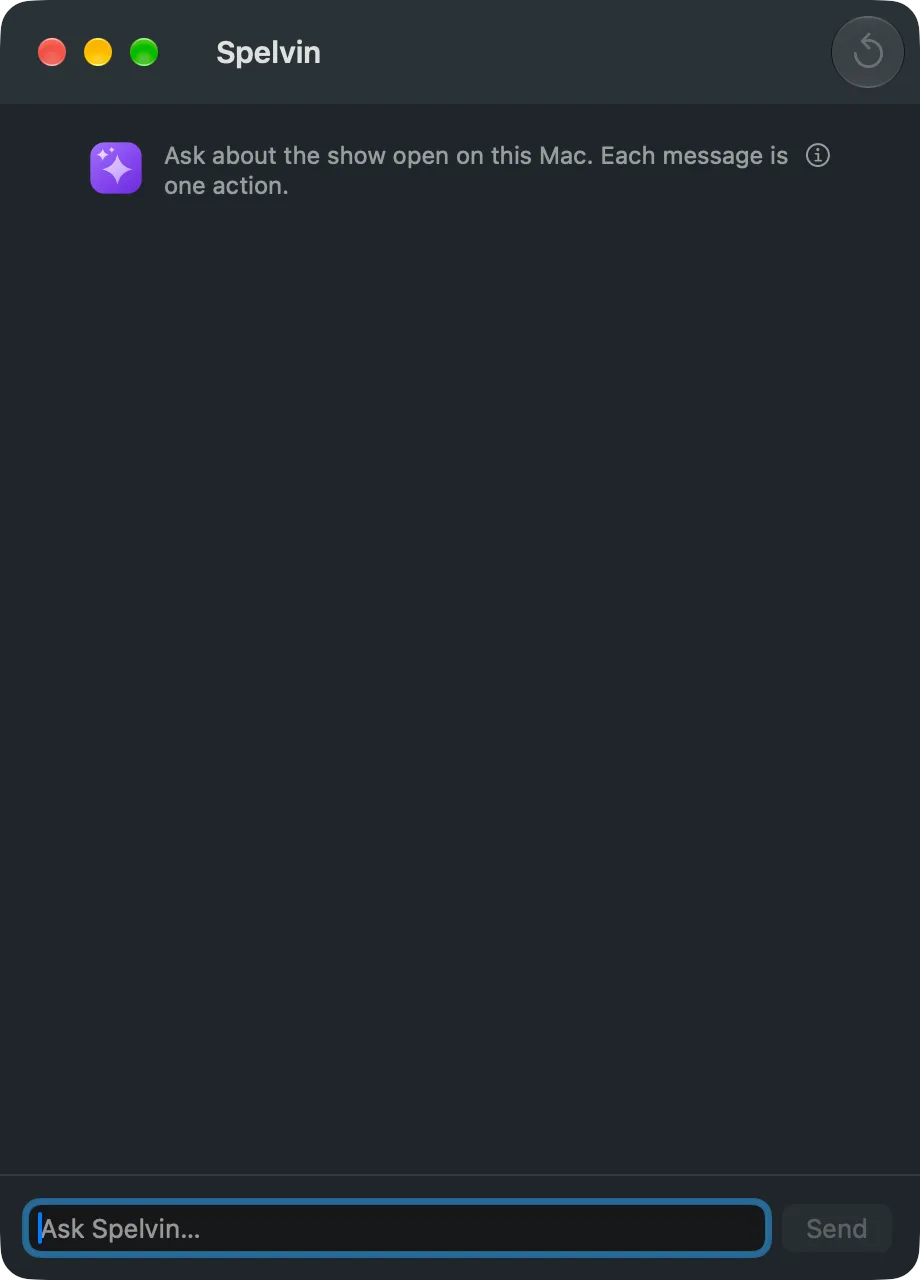
The Spelvin window
Section titled “The Spelvin window”Window › Spelvin (⌥⌘J), or Spelvin › Ask Spelvin. A chat about the show open on this Mac: ask what is missing, how the rundown runs, better names for shots. See The chat.
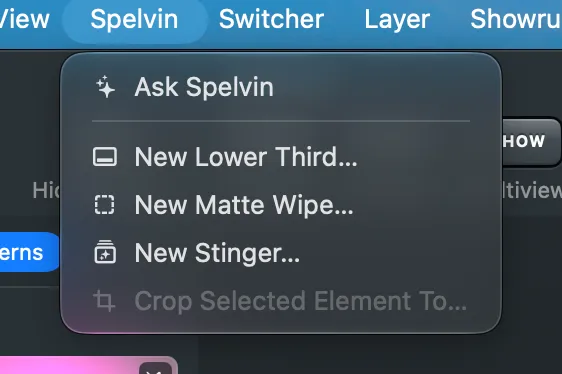
The Spelvin menu
Section titled “The Spelvin menu”The Studio’s Spelvin menu lists what Spelvin makes: Ask Spelvin, New Lower Third…, New Matte Wipe…, New Stinger… and Crop Selected Element To….
The builders
Section titled “The builders”New Lower Third… opens the Lower Third Builder: you describe a lower third and watch it take shape. New Matte Wipe… and New Stinger… open the same window for a transition. See The Lower Third Builder and The transition builder.
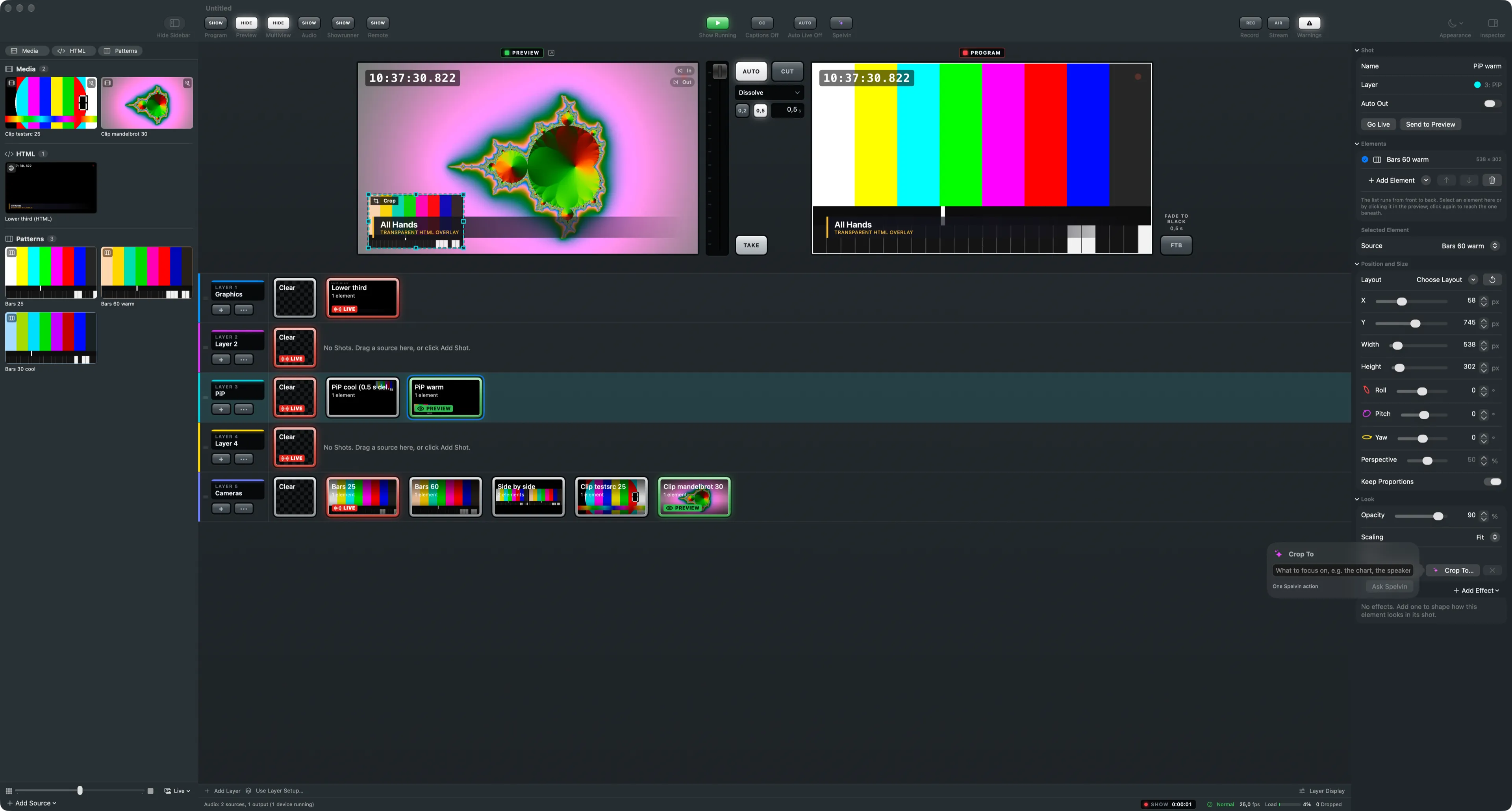
Crop To
Section titled “Crop To”In the inspector’s Look section, Crop To… beside Auto Crop: say what to focus on, and Spelvin proposes a crop. See Crop to.
The New Show sheet
Section titled “The New Show sheet”Pulling a web show into a new show, Start From offers Suggested by Spelvin: the layers, shots and stand-ins for that show. See Suggested setups.
Script reading on the web
Section titled “Script reading on the web”New Show and Import Script Version read a script into sections and parts. Skills › Try it reads a test script with one skill. In the Studio, importing a script reads it the same way while you are signed in. See Script reading and Import a script.
The show’s Spelvin panel on the web
Section titled “The show’s Spelvin panel on the web”The Spelvin button in a show’s top bar (⌥S) opens a chat about that show, beside the editor. Its proposals change the show’s draft.
The builders on the web
Section titled “The builders on the web”A show’s Resources tab has New Lower Third, New Matte Wipe and New Stinger: the same builders, saving into the show’s resources.
Captions
Section titled “Captions”Live captions carry Spelvin’s mark, but they are not a Spelvin task: the Mac’s own speech engine writes them. Nothing is sent and no actions count. See Live captions.
See also
Section titled “See also”Describes Live Producer 0.305 · 29 October 2026