
Targets are where a stream goes; show types are occasions that pick targets; a show has one type.
The stream library is every place you stream to, and the occasions that group them. It lives outside the show: your targets stay the same from show to show, and only the occasion changes.
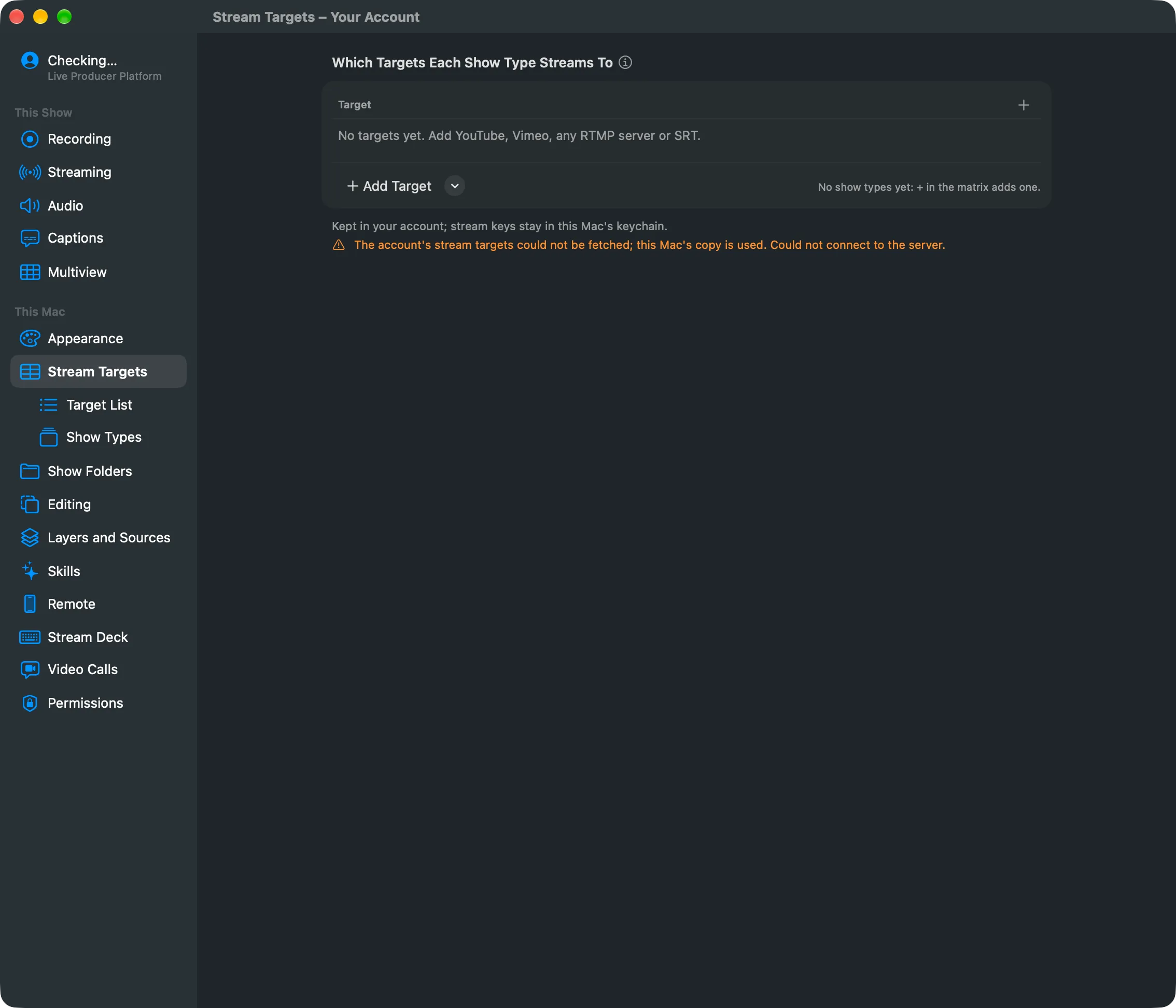
Stream targets
Section titled “Stream targets”A stream target is one place a stream goes: YouTube, Vimeo, any RTMP server (Teams, LinkedIn, Facebook and others take one), or an SRT receiver. Each target has a name, where it goes, its usual key, and the sound it carries: the Program bus, or a bus of a given name in each show. Targets are lettered A, B, C in the order of the list. Drag a row to change the order; the letters follow.
Show types
Section titled “Show types”A show type is an occasion, such as Webinar or All-Hands, and the targets it streams to, with its encoding. Show types are numbered 1, 2, 3. Duplicate copies one to change for another occasion. A webinar might go to YouTube and LinkedIn, an all-hands to Teams.
A show picks one show type
Section titled “A show picks one show type”In Settings › This Show › Streaming a show picks one show type, or none. It can then leave out one of the show type’s targets, add another target, or use a key of its own for one target. Those changes belong to that show only. Picking another show type clears them.
Three pages
Section titled “Three pages”Under Settings › This Mac:
| Page | What it holds |
|---|---|
| Stream Targets | The matrix: a row per target, a column per show type, a checkbox where a target is in a show type. Click a letter or a number to open it. |
| Target List | Every target, and the selected one’s details: name, service, address, key, sound and its show types. |
| Show Types | Every show type, and the selected one’s name, targets and encoding. |
Where it is kept
Section titled “Where it is kept”Signed out, the library is kept on this Mac. Signed in, it is kept in your account, so every Mac you sign in to has it, and the pages say Your Account instead of This Mac. Stream keys and SRT passphrases never go to the account: they stay in each Mac’s keychain, and another Mac asks for a key once.
When a show is saved, it keeps a copy of the targets it uses, without keys. Opened on a Mac that lacks them, it still streams from that copy, and the Streaming page offers Add to My Stream Targets.
Removing
Section titled “Removing”Removing a target or a show type asks first and says where it is used. The open show stops using it; other shows keep their copy and offer to add it back. A removed target’s key stays in this Mac’s keychain.
Read more
Section titled “Read more”Describes Live Producer 0.305 · 29 October 2026