
What captions show on the program, how far behind the sound they run, and what the wording file is for.
Live captions are a setting of the show. While they are on, speech in the program sound is turned into text on this Mac and shown as a ticker along the bottom of the program: one line that builds on the right and moves to the left.
Who sees them
Section titled “Who sees them”Captions are part of the program picture. Everyone who sees the program sees them: the room, the call and the recording.
Live, and a little behind
Section titled “Live, and a little behind”The text runs about one to two seconds behind the words, and it cannot be corrected. If it goes wrong on air, turn captions off at once with Captions in the toolbar or Switcher › Captions on Program (⇧⌘C).
On this Mac
Section titled “On this Mac”Speech is recognised by macOS on this Mac. Nothing is sent anywhere, no account is needed, and captions count none of your Spelvin actions.
Language
Section titled “Language”You choose the language in Settings › This Show › Captions. The list holds the speech languages installed on this Mac; the language is not detected automatically. A show set to a language this Mac lacks shows it as (Not Installed).
Size is Small, Medium or Large. Background sets how dark the bar behind the text is; at 0 % there is no bar and the text gets a dark edge instead. Both are saved with the show.
The wording file
Section titled “The wording file”Speech recognition does not know your names and terms. A wording file teaches them: a Markdown file that lists each term as it should be written, followed by the ways it may be heard. The captions then write “Northwind” where they heard “north wind”. Changes to the file are picked up while the app runs. See File formats.
The toolbar button
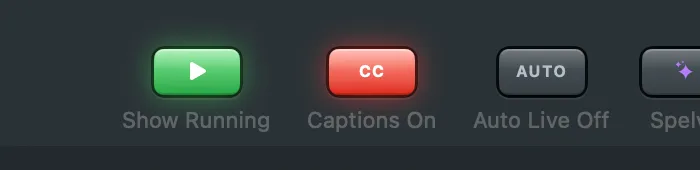
Section titled “The toolbar button”The Captions button in the toolbar says what the captions are doing: Captions Off, Captions Starting, Captions On while they listen, or Captions Stopped when the speech engine cannot listen. Rest the pointer on it for the reason. The Status row in Settings says the same.
Read more
Section titled “Read more”Describes Live Producer 0.305 · 29 October 2026