
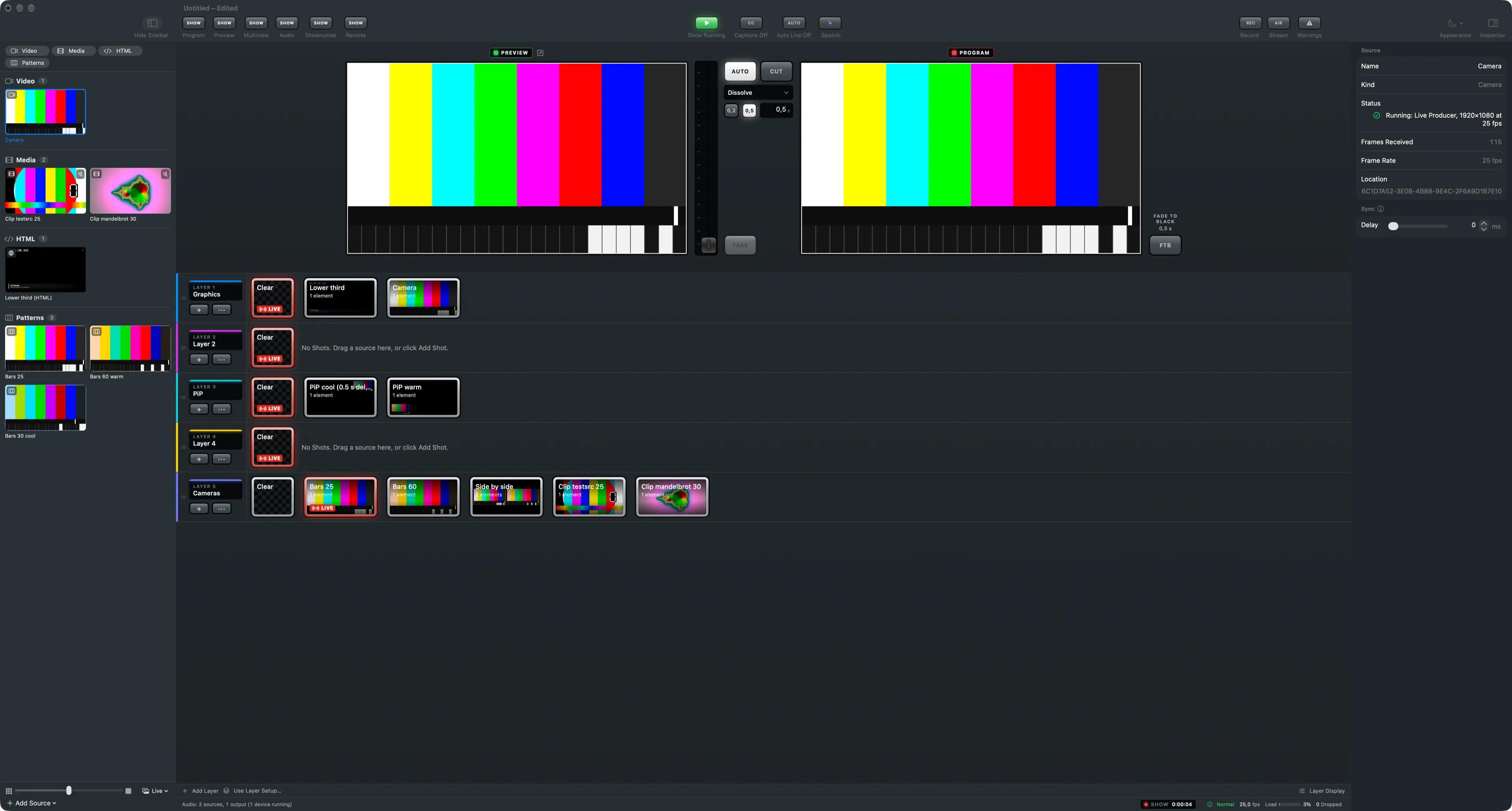
Cameras on this Mac, NDI sources on the network and DeckLink inputs: the Video group of the sidebar.
The Video group of the sidebar holds the live video inputs: cameras connected to this Mac, NDI sources on the network and DeckLink capture inputs. Each is one source, used in as many shots as you like.
Cameras
Section titled “Cameras”Any camera macOS sees is offered under Cameras in the Add Source menu: a built-in camera, a USB webcam, or a capture device that presents itself as a camera. The first time a camera source starts, macOS asks for permission to use the camera. See Permissions.
A camera carries no sound. Its microphone is a source of its own, in the Audio group.
Frame rate
Section titled “Frame rate”The inspector shows the rate the camera runs at under Frame Rate. A camera fits the show when it runs at the show’s rate or a whole multiple of it. When it does not, the inspector warns that the picture will judder and names the two rates that would fit. Set the camera, or the show, to one of them.
NDI and DeckLink
Section titled “NDI and DeckLink”NDI sources and DeckLink inputs need their maker’s software on this Mac. Without it, Add Source lists NDI Source and DeckLink Input greyed out, under Requires an SDK That Isn’t Installed.
Status and sync
Section titled “Status and sync”The inspector’s Source section tells whether the source receives pictures and how many frames have arrived. Delay in the Sync section holds a source back so it lines up with slower ones; one frame at 25 fps is 40 ms.
Stand-ins for cameras
Section titled “Stand-ins for cameras”A show built before the cameras are there carries camera stand-ins, such as Camera 1 and Camera 2. Link each to a real camera once it is connected. See Stand-ins and linking.
Read more
Section titled “Read more”Describes Live Producer 0.305 · 29 October 2026