
Change what the keys do in the Stream Deck Layout window, or go back to the suggested layout.
Move, add and empty keys in the Stream Deck Layout window. Changes to the show’s keys are saved with the show; changes to the bottom row stay on this Mac. To read how the layout is made, see Layout and rows.
Before you start
Section titled “Before you start”- A show is open.
- A Stream Deck is plugged in, or you know its model: the editor also lists Stream Decks that are not plugged in.
Step 1: Open the editor
Section titled “Step 1: Open the editor”Choose Window › Stream Deck Layout, or click Edit Layout… in Settings › This Mac › Stream Deck.
Step 2: Choose the Stream Deck and the page
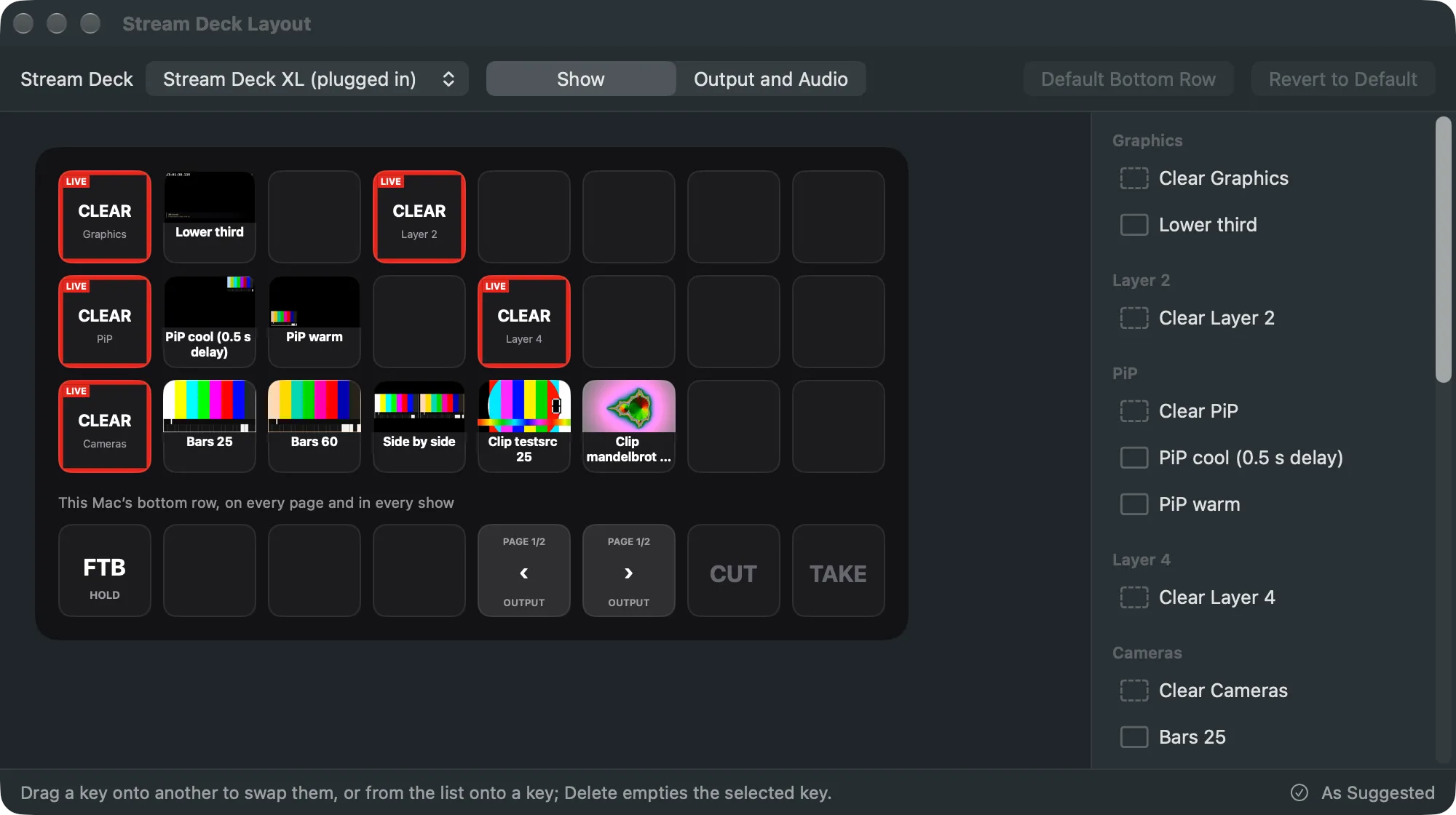
Section titled “Step 2: Choose the Stream Deck and the page”At the top, pick the Stream Deck under Stream Deck, then the page: Show, Showrunner or Output and Audio. A Stream Deck with many pages lists them in a menu.
Step 3: Move a key
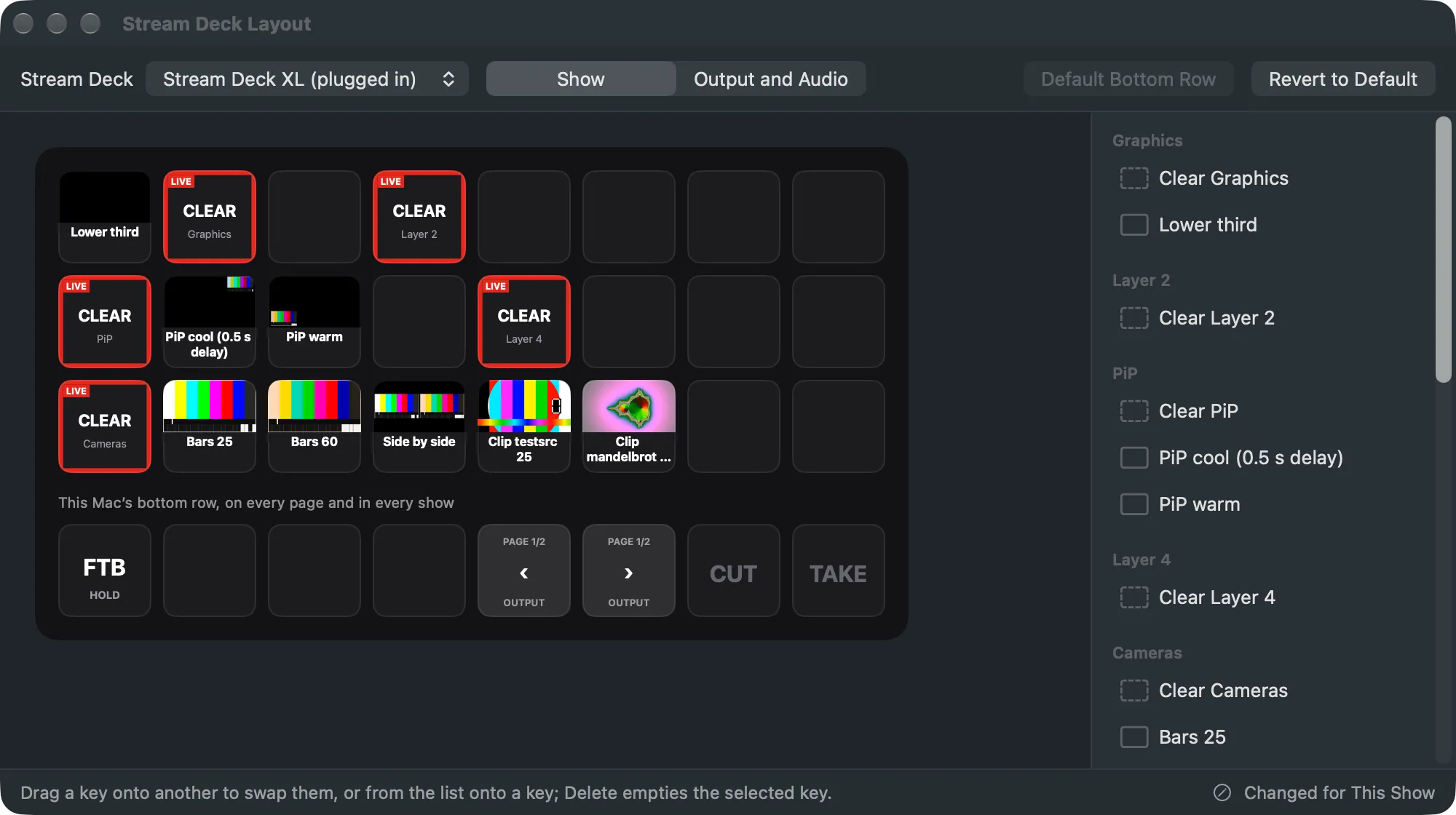
Section titled “Step 3: Move a key”Drag a key onto another key. The two change places.
Step 4: Put an action on a key
Section titled “Step 4: Put an action on a key”The list on the right holds every action, grouped: each layer with its Clear and its shots, Switcher, Showrunner, Output, Mutes and Pages. Drag one onto a key. Or click a key to select it, then click the action in the list.
Shots, layers and mutes are the show’s: they can’t go in the bottom row. An action that can’t go on the selected key is greyed out.
Step 5: Empty a key
Section titled “Step 5: Empty a key”Select the key and press Delete, or click Empty Key at the bottom.
Step 6: Undo or go back
Section titled “Step 6: Undo or go back”Edit › Undo takes back a change to the show’s keys. Revert to Default removes all your changes, and the keys follow the layer setup again; Edit › Undo brings them back. Default Bottom Row puts this Mac’s bottom row back to Fade to Black, the page keys, Cut and Take.
Verify
Section titled “Verify”- The bar at the bottom says Changed for This Show once you changed a key, and As Suggested when you have not.
- The selected key’s line says what it does and whether it is the show’s or this Mac’s.
- The Stream Deck’s keys match the editor.
Related
Section titled “Related”Describes Live Producer 0.305 · 29 October 2026