
Cameras, windows of other apps, media clips, images and decks, HTML templates, web pages, audio and patterns; and stand-ins for the ones not linked yet.
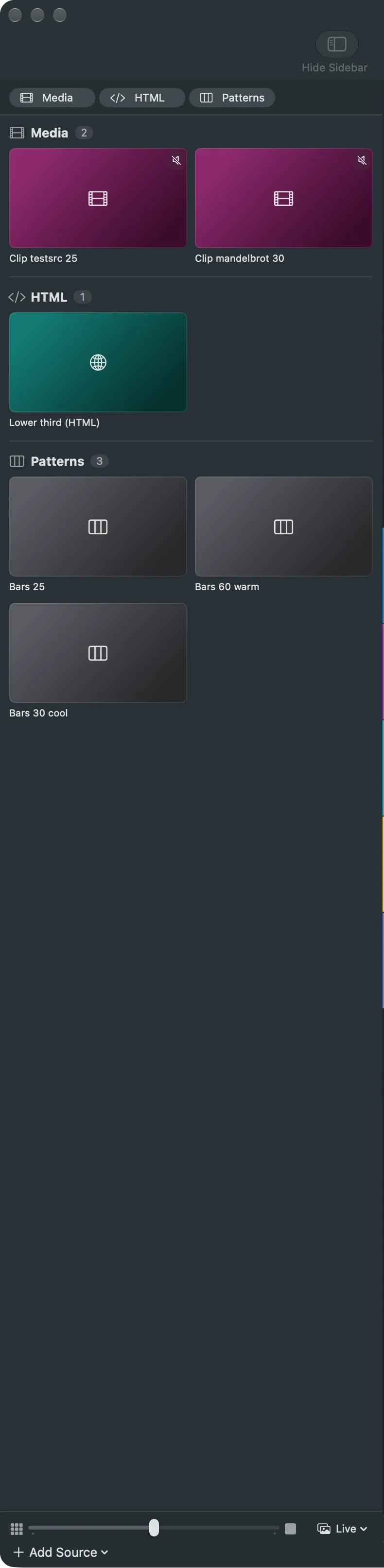
A source is anything a shot can show or play: a camera, a window of another app, a video file, an image or a deck, an HTML page, a web page, an audio input or a test pattern. You add a source once, in the sidebar of the main window, and use it in as many shots as you like.
A show can also carry stand-ins: places for a camera, file or input that is not on this Mac yet. You link them once the real thing is there.
In this section
Section titled “In this section”Describes Live Producer 0.305 · 29 October 2026