
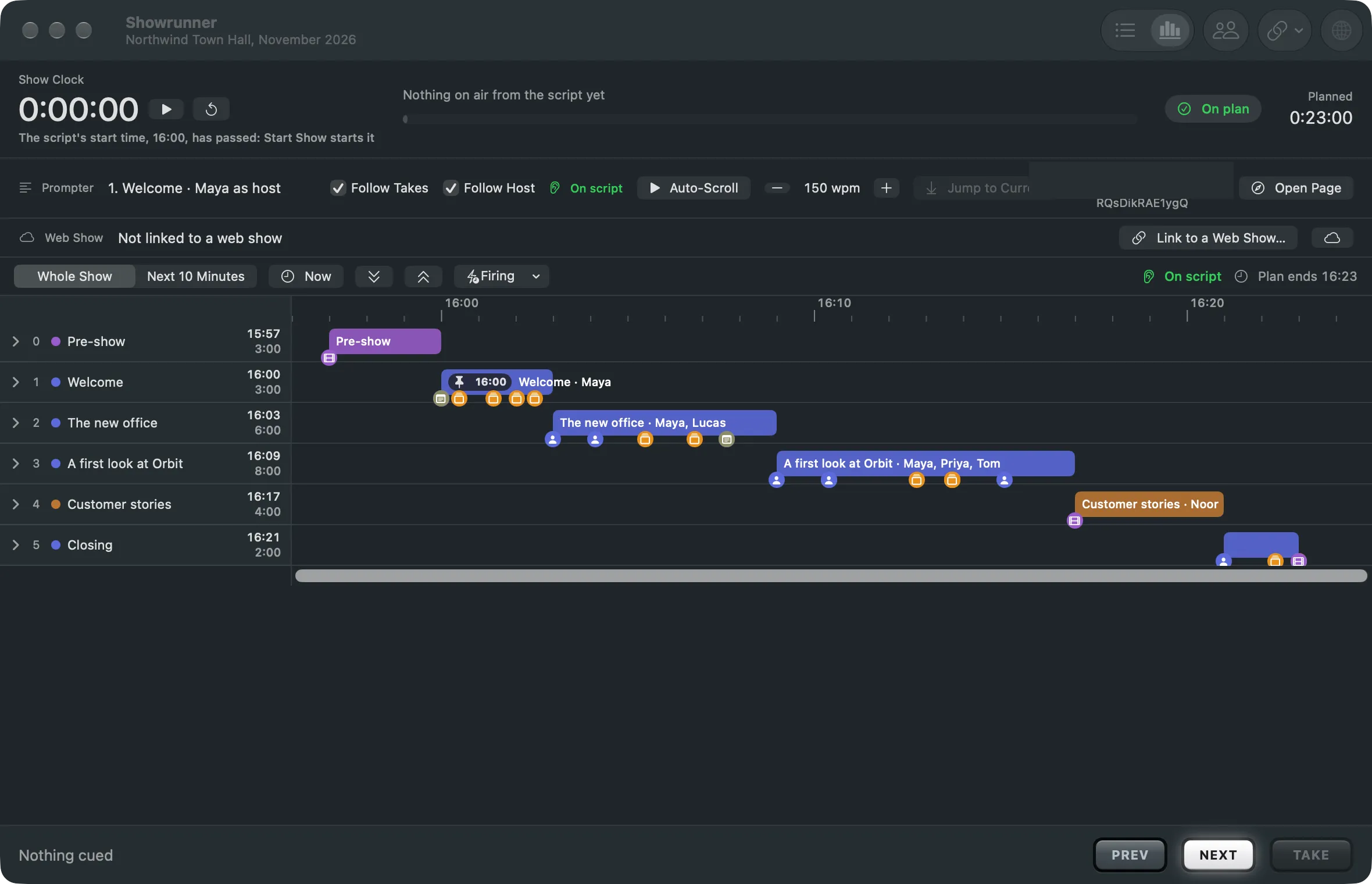
Follow Host keeps the prompter on the word the host actually says. The Studio listens to the program sound with this Mac’s own speech engine and moves the prompter, the slide marks, the deck and the timeline’s cues along with him.
How it follows
Section titled “How it follows”Only content words count: words of three letters or more, and numbers. Fillers such as “euh” or “so” match nothing. The Studio looks for each word just ahead of the current place, so a dropped sentence does not lose it.
Off script
Section titled “Off script”When the host says several words that are not in the script, he is off script. The place holds, nothing is guessed, and the prompter bar says “Off script” with how long, in orange. When he comes back to the script, a sentence later or a part further on, the Studio finds him again where a few heard words sit together in the script.
The operator still leads
Section titled “The operator still leads”A click in the prompter, Jump to Current, or a Take puts the place back by hand, and Follow Host goes on from there. Cues the host passes are marked as passed, never fired.
Follow Host and Follow Takes
Section titled “Follow Host and Follow Takes”They are different switches. Follow Takes jumps the prompter to the part that went live at each Take. Follow Host moves it word by word as the host speaks. You can use both.
Where it runs
Section titled “Where it runs”On this Mac, with nothing sent anywhere. It uses the captions’ language when one is set, else the Mac’s. When the speech engine is not available, the checkbox is dimmed.
When to switch it off
Section titled “When to switch it off”Switch it off when the program sound has no host to follow, for example while a clip plays with its own voice-over, or when the host reads freely from notes the script does not hold. Turn it on with the Follow Host checkbox in the prompter bar, or Showrunner › Follow the Host by Listening.
Read more
Section titled “Read more”Describes Live Producer 0.305 · 29 October 2026