
The clock, the prompter bar, the sections and parts, the part at hand with its words and shots, and the timeline.
Open it with Window › Showrunner (⌥⌘S), the Showrunner button in the toolbar, or Showrunner › Showrunner Window. It shows the open show’s rundown, read from its web show. A show without one shows No Web Show, with Link to Web Show… or Sign In….
The toolbar
Section titled “The toolbar”List or Timeline switches the view. Presenters opens the table of people with their titles and photos for the lower thirds. Links lists the show’s web addresses: the deck, the poll, documents, the meeting. Edit on the Web opens the web show, where the words, cues and sections are edited.
The clock strip
Section titled “The clock strip”The Show Clock with Start Show, Pause and Reset, and who started it or when it starts by itself. Beside it, the section on air with its time against its plan, a badge that says how far behind or ahead the show is (or “On air at” a section’s start time), and the Planned total. See Run the show.
The prompter bar
Section titled “The prompter bar”Where the prompter is, Follow Takes, Follow Host, Auto-Scroll with its pace in words per minute, Jump to Current, the prompter page’s address, and Open Page. See Follow Host.
The web show bar
Section titled “The web show bar”Shown when you are signed in or the show is linked. It says which version this Mac has, offers Fetch Version N when the web has a newer one, and shows what the last version brought. See Published versions.
The sections and their parts
Section titled “The sections and their parts”On the left, the sections in order, each with its number, title, people, clips, slides and planned time. Under each, its parts, with their kind, time and slide marks. The part on air is red with LIVE; the cued part is green with NEXT. Click a part to cue it; double-click to take it. See Scripts, sections, parts and cues.
The section at hand
Section titled “The section at hand”On the right, three cards. The first names the section, what is On Air and Next, the deck’s position with its correction buttons, and one flag when something is due. Words shows the part’s text with its slide marks. At Hand shows the shots for the whole show and the section’s own: click one to preview it, double-click to go live.
The bottom bar
Section titled “The bottom bar”What is cued, Previous, Next Part and Take.
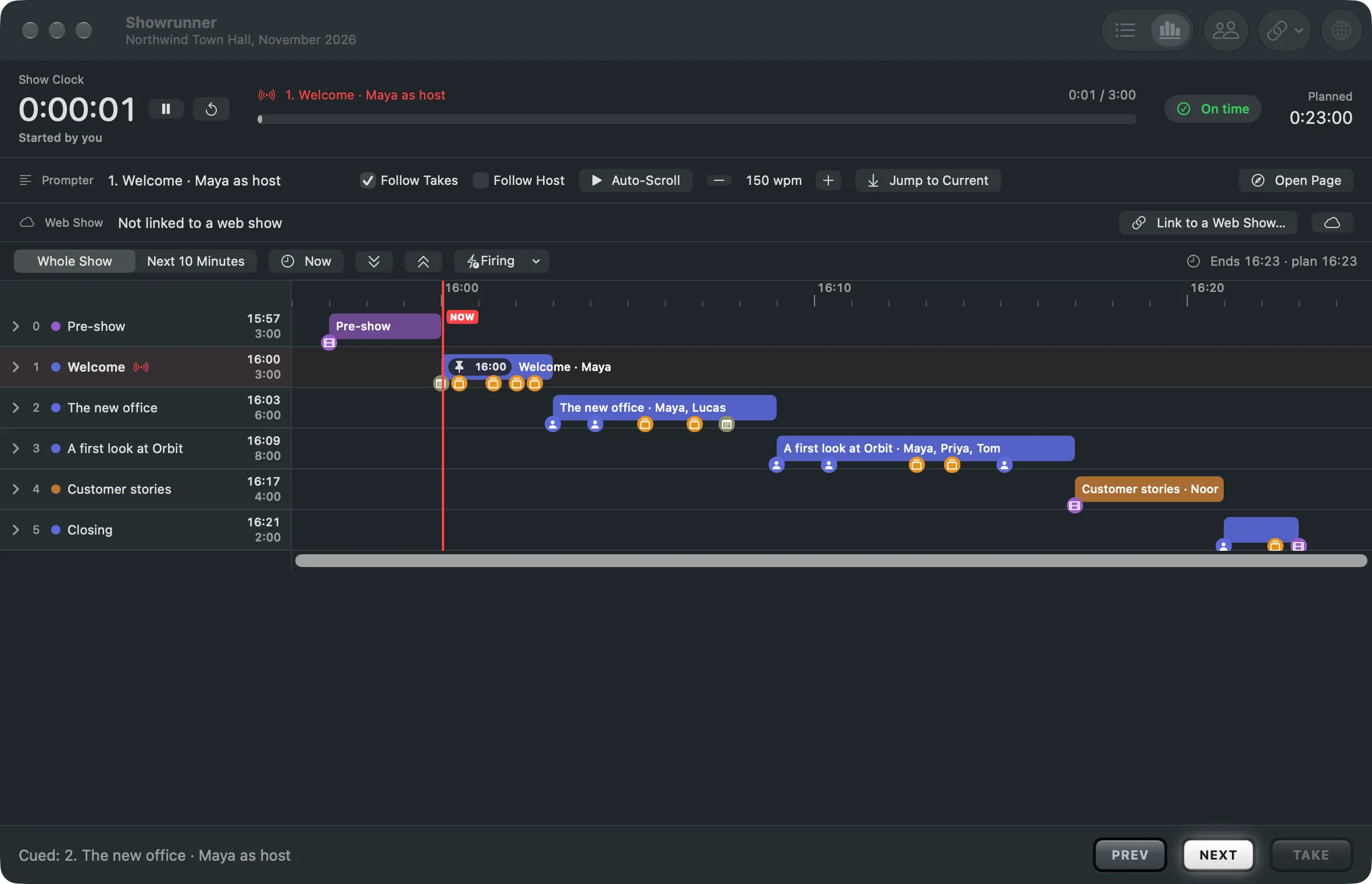
The timeline
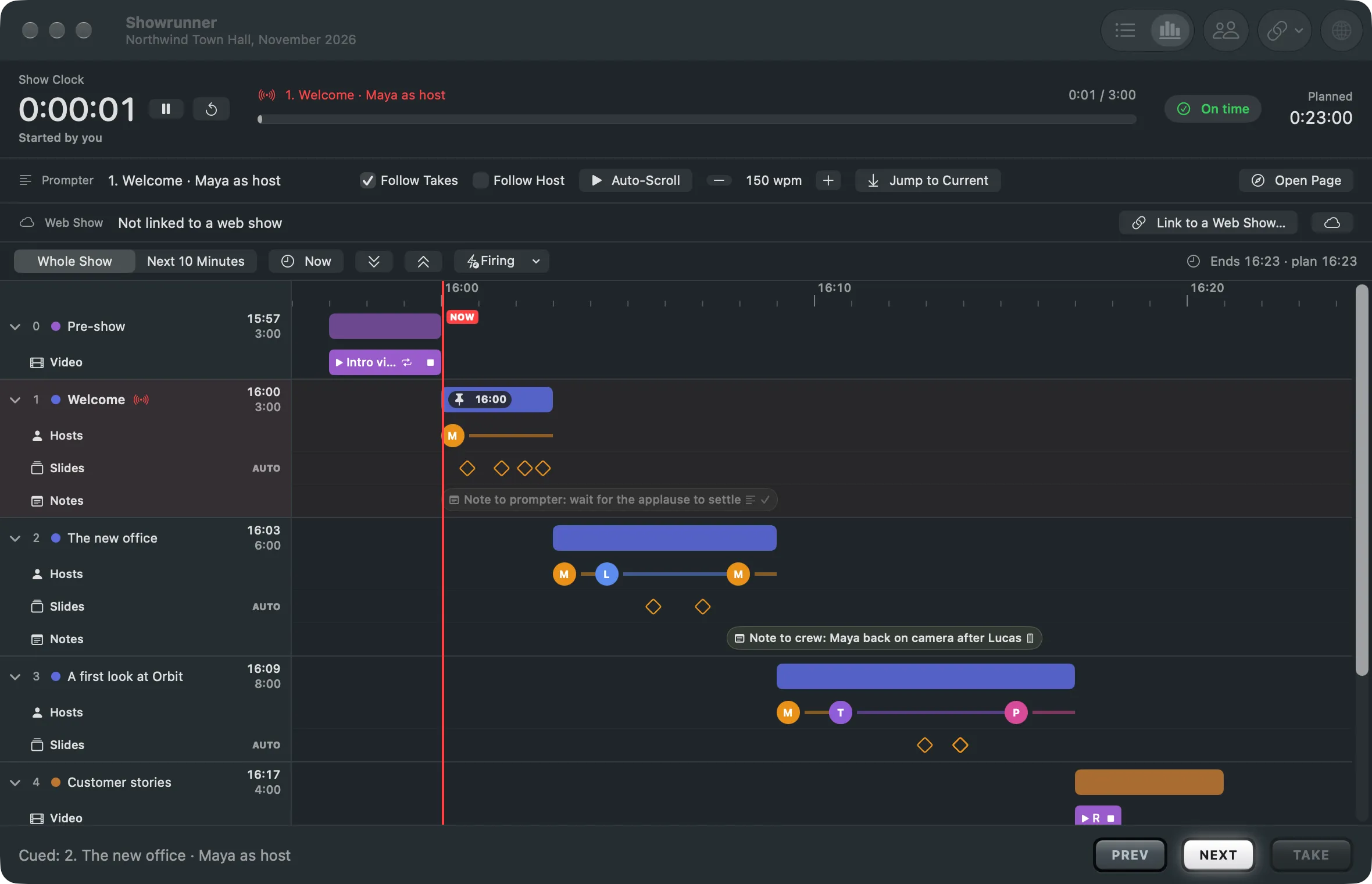
Section titled “The timeline”Timeline shows the same rundown as rows on the wall clock, with a now line that runs with the show and each section’s lanes of cues. Zoom to Whole Show or Next 10 Minutes. A click cues a cue, a double-click takes it. Nothing on the timeline edits the plan.
See also
Section titled “See also”Describes Live Producer 0.305 · 29 October 2026