
Every window of the Studio besides the main one: Preview, Program, Multiview, Audio Routing, Showrunner, Live Producer Platform, Spelvin, Warnings, Stream Deck Layout, Lower Third Builder and Settings.
Besides the main window, each part of the Studio that needs room opens in a window of its own. Most are in the Window menu with a shortcut; the ones you use during a show also have a key in the toolbar’s Windows group. In the Console look those keys say SHOW while the window is closed and HIDE while it is open.
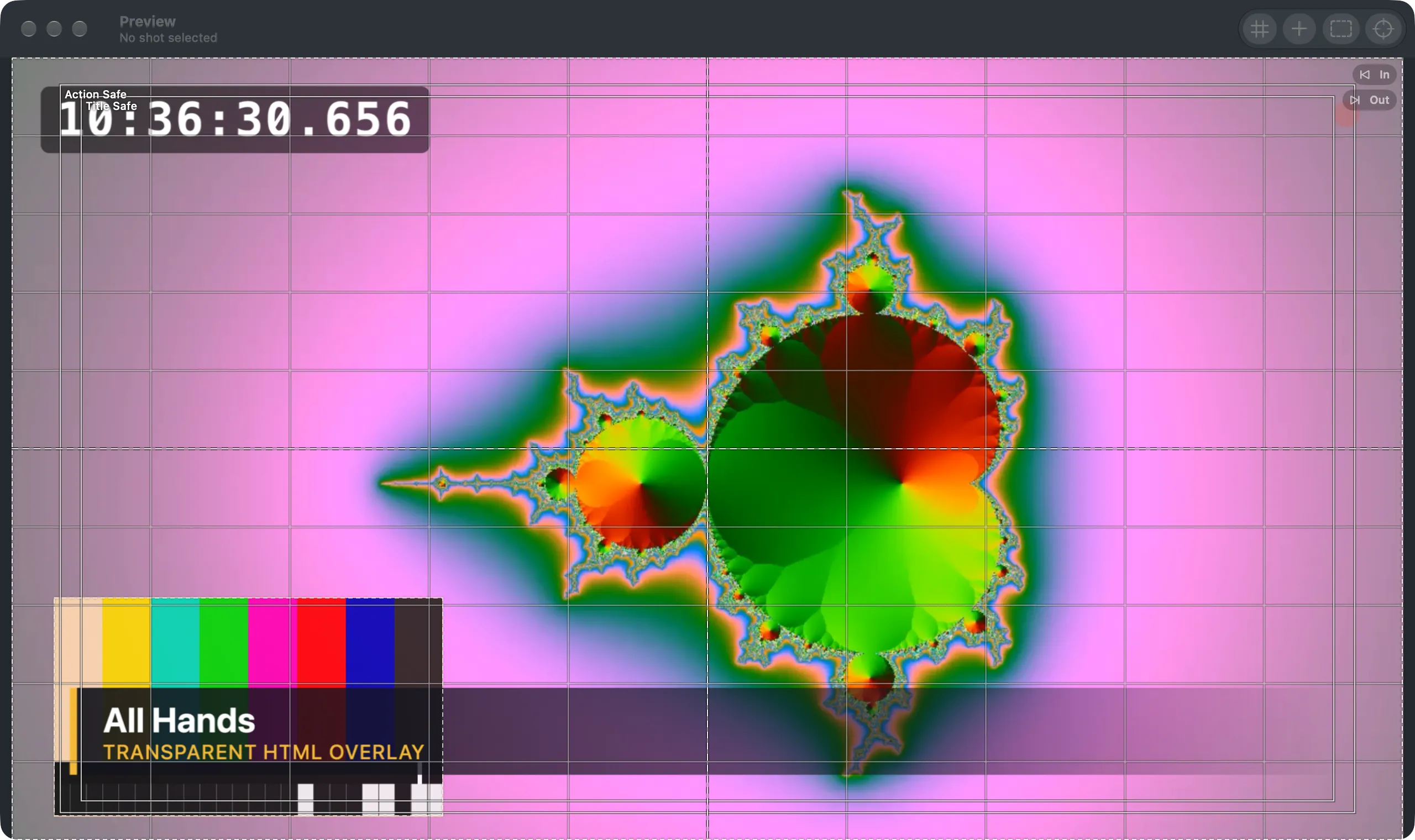
Preview
Section titled “Preview”Window › Preview Window (⌥⌘E), the toolbar’s Preview, or the button beside the main window’s Preview label. The same editable preview at any size, also full screen, with Grid, Guides, Safe Zones and Snap in its toolbar. See The editing canvas.
Program
Section titled “Program”Window › Program Window (⌥⌘P), or the toolbar’s Program. The program alone, for a second display or for screen sharing. Window › Program Full Screen On puts it full screen on a display. See Open the program on a second display.
Multiview
Section titled “Multiview”Window › Multiview (⌥⌘V), or the toolbar’s Multiview. Program, preview, the sources and the timers side by side, for watching only. Window › Multiview Layout and Multiview Full Screen On set it up. See Multiview.
Audio Routing
Section titled “Audio Routing”Window › Audio Routing (⌥⌘A), or the toolbar’s Audio. Sources, buses and output devices with live meters. The items under Switcher and Audio Routing Side by Side in the Window menu place the two windows in thirds or halves (⌃⌥⌘← and ⌃⌥⌘→ for the thirds). See The Audio Routing window.
Showrunner
Section titled “Showrunner”Window › Showrunner (⌥⌘S), or the toolbar’s Showrunner. The show’s sections and parts in order with the show clock, as a list or a timeline. See The Showrunner window.
Phone remote and prompter codes
Section titled “Phone remote and prompter codes”Window › Phone Remote Code (⌥⌘R) and Prompter Code, or the toolbar’s Remote. A QR code to open the phone remote or the prompter on a phone or tablet. See Remote.
Live Producer Platform
Section titled “Live Producer Platform”Window › Live Producer Platform (⌥⌘L). The shows on the platform, and the open show beside the web show it is linked to. See Platform.
Spelvin
Section titled “Spelvin”Window › Spelvin (⌥⌘J), Spelvin › Ask Spelvin, or the toolbar’s Spelvin. A conversation with Spelvin about the open show. See The chat.
Lower Third Builder
Section titled “Lower Third Builder”Spelvin › New Lower Third…, New Matte Wipe… or New Stinger…. Spelvin makes the page while you watch. See Lower Third Builder and Transition builder.
Warnings
Section titled “Warnings”Window › Warnings (⌥⌘’), or the toolbar’s Warnings key. What the show still needs, and the errors. See Warnings.
Stream Deck Layout
Section titled “Stream Deck Layout”Window › Stream Deck Layout, or Edit Layout… in Settings › This Mac › Stream Deck. The show’s keys and this Mac’s bottom row. See Edit the layout.
Settings
Section titled “Settings”Live Producer › Settings… (⌘,). See Settings.
See also
Section titled “See also”Describes Live Producer 0.305 · 29 October 2026