
Still images and slide decks as sources; a deck shows the page the showrunner is at.
The Images group of the sidebar holds still pictures and slide decks. An image always shows the same picture. A deck shows one page at a time: the page the showrunner is at.
Images
Section titled “Images”An image is a PNG, JPEG or other picture file, added with Add Source › Image…. Use it for a logo, a background or a full-screen still. It is placed like any other source: position, size, scaling and effects belong to the shot.
A deck is the show’s slides, added with Add Source › Slide Deck…. It is one of two things:
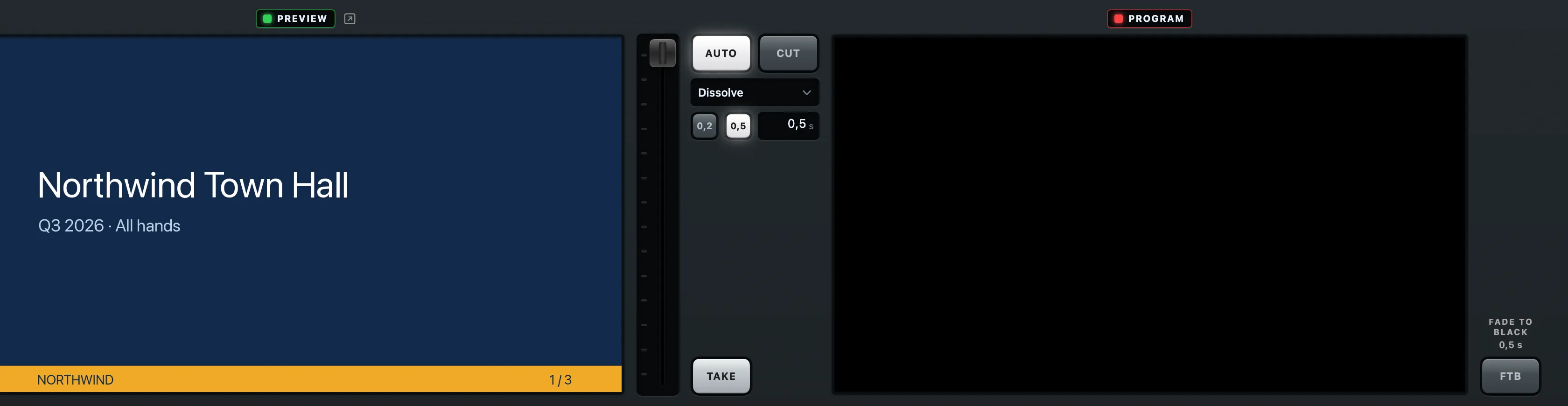
- a PDF, one page per slide;
- a folder of images, one per page, in the order of their names.
A PDF is copied into the show folder like other files. A folder of images stays where it is on this Mac.
The showrunner turns the pages
Section titled “The showrunner turns the pages”You never turn a deck’s pages by hand in the inspector. When the show runs from a script, the deck follows the slide marks the prompter has read past. Correct it by one click with Showrunner › Deck One Click On (⌃⌘]) and Showrunner › Deck One Click Back (⌃⌘[).
A page change is content, not a switch: the shot with the deck stays live, and only its picture changes, as a clip changes while it plays. See Decks and pages.
Builds
Section titled “Builds”A slide with builds can be exported two ways: one page per slide, or one page per build. Tell the deck which with Pages Include Builds in the inspector’s Deck section. On, each build is a page of its own. Off, a build is shown and skipped.
The Slides stand-in
Section titled “The Slides stand-in”A show made from a script can carry a Slides stand-in before the deck is there. Linking it to a deck makes the slide shots show the deck’s pages. See Stand-ins and linking.
Read more
Section titled “Read more”Describes Live Producer 0.305 · 29 October 2026